
No fiber. No cable. No ISP willing to run a line to the building. This is the reality for many churches, especially older buildings in areas where traditional internet providers simply do not operate.
For us, this is not a dead end. It is a starting point.
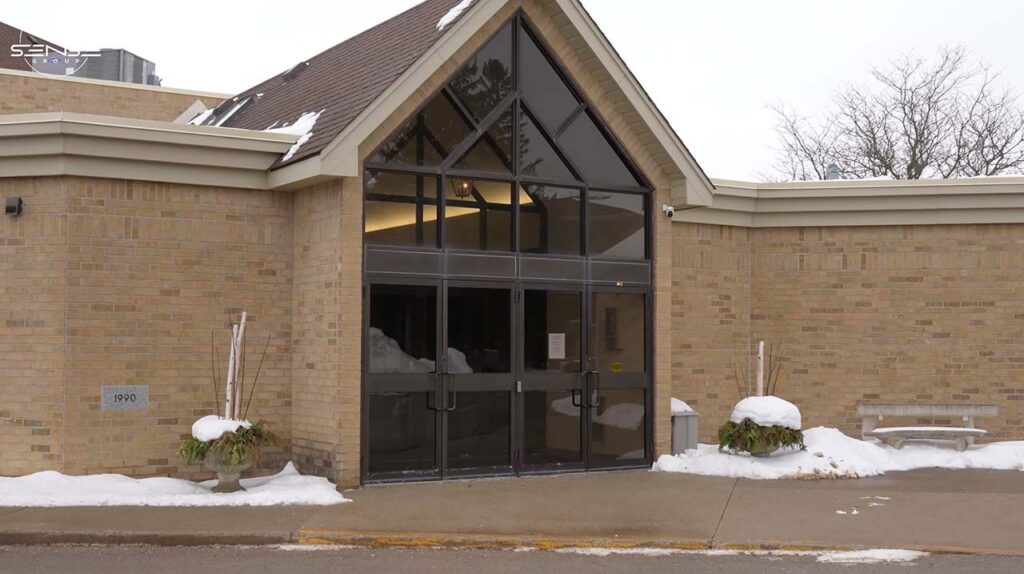
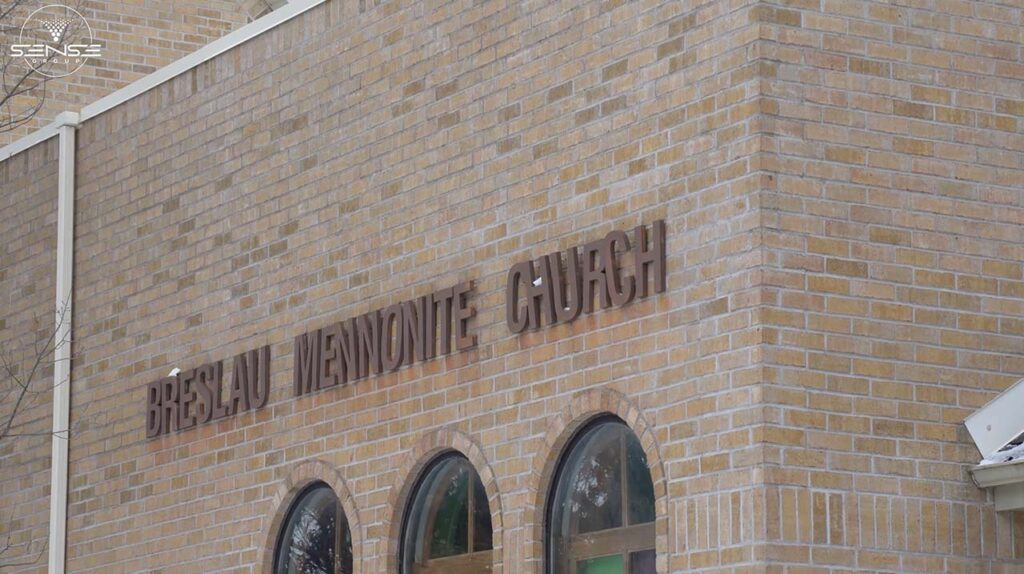
We recently completed a Starlink installation for a church in the Greater Toronto Area. The building had zero internet options through conventional providers. Our task was not just to get them online. We needed to build a network foundation capable of supporting video surveillance, access control, and alarm systems.
This article walks through the entire process. From the box to a stable, professional network inside a building that was supposed to be impossible to connect.
| Field | Details |
| Client | Church building |
| Location | Greater Toronto Area |
| Vertical | House of worship |
| Problem | No fiber, no cable, ISP unavailable |
| Scope | Starlink installation + internal network infrastructure |
| Key Components | Starlink Standard Kit, Dream Router, 8-port PoE switch, access points |
| Outcome | Stable internet foundation for security systems |
The church administrator had already called multiple internet providers. The answer was always the same. No fiber in the area. No cable service available. One provider offered a cellular hotspot, but the speeds were inconsistent, and the cost was high.
For many buildings, this would be the end of the conversation. But for us, the internet is never the final goal. It is the foundation. Without reliable connectivity, you cannot run security cameras. You cannot manage access control remotely. You cannot receive alerts from an alarm system.
This church needed more than a way to check email. They needed infrastructure that could support a complete security deployment down the road.
That is where Starlink comes in.
The situation was clear from our first site visit. This building had no traditional internet infrastructure. No fiber lines. No cable service. The location was simply outside the coverage area of conventional ISPs.
For commercial and industrial buildings in this situation, Starlink provides a real solution. We install Starlink for churches, warehouses, and facilities where internet providers cannot or will not deliver service.
But here is what makes our approach different. We do not just plug in a Starlink router and call it done. For a building like this, a church, warehouse, or industrial facility, you cannot rely on basic Wi-Fi from a single router. These buildings need stable coverage, wired connections, and a network that supports cameras, access control, and security systems.
That is why we use Starlink only as the internet source. Then we build the network specifically for the building.
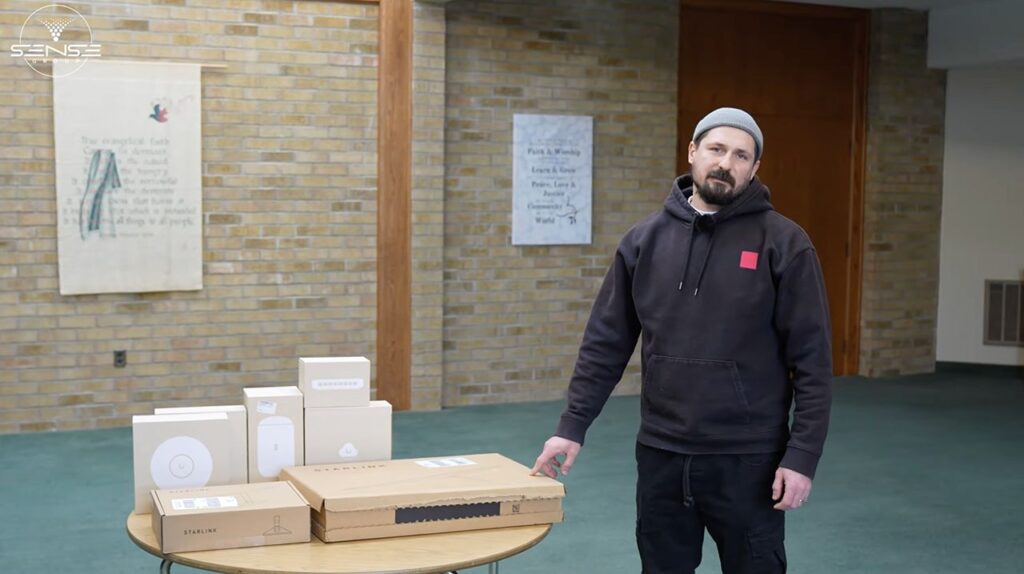
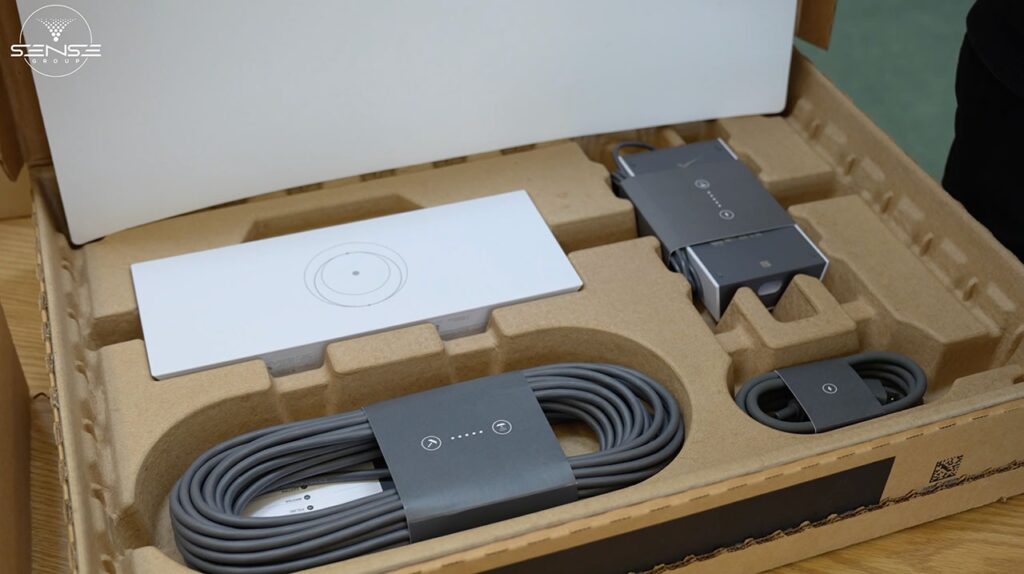
We started with the Starlink Standard Kit. Here is what comes inside:
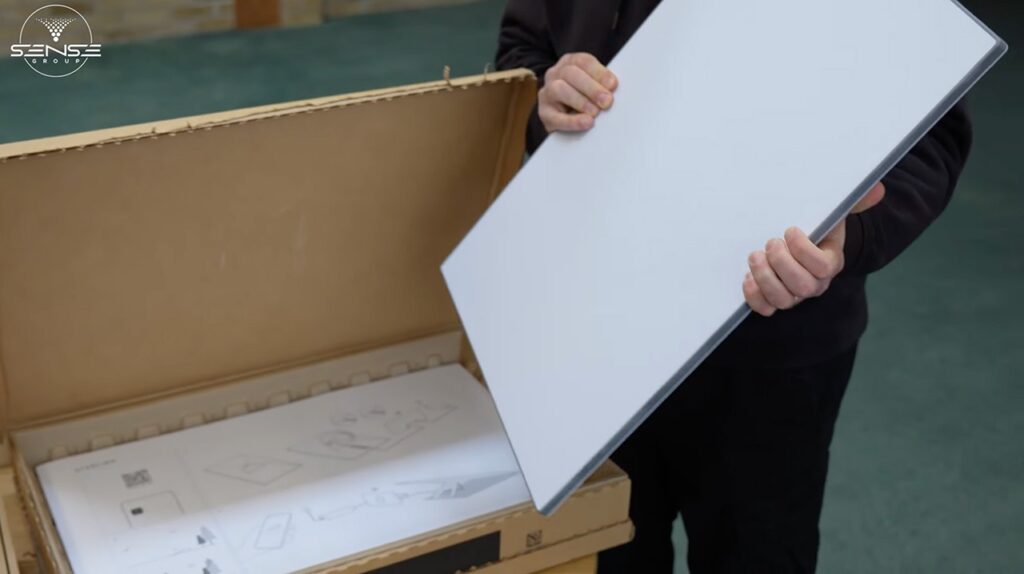
This kit works well for many installations. We also work with high-performance and commercial equipment from Starlink, depending on the building size and client requirements. The Standard Kit was the right choice for this church.
If you want a deeper look at Starlink setup options in Canada, we wrote a (detailed guide on Starlink setup here link: https://sense-group.pro/blog/starlink-canada-setup/).
Before installing anything, we check for obstructions. Even if the sky looks clear to the naked eye, we confirm it with the Starlink app. The app scans the sky and shows anything that could block the signal. Trees. Roof edges. Nearby buildings.
At this church, the sky was open. We identified the correct location for the dish.
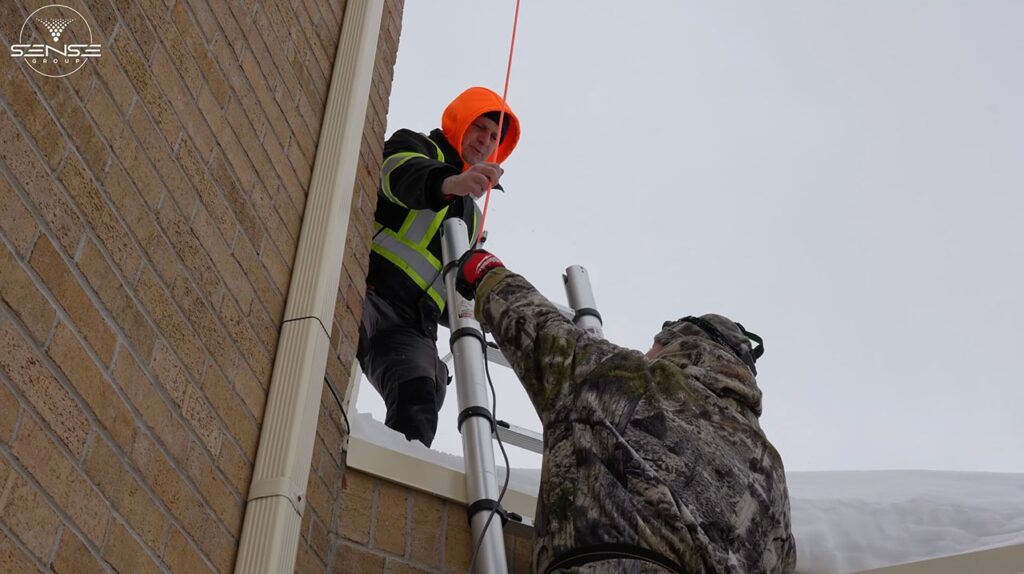
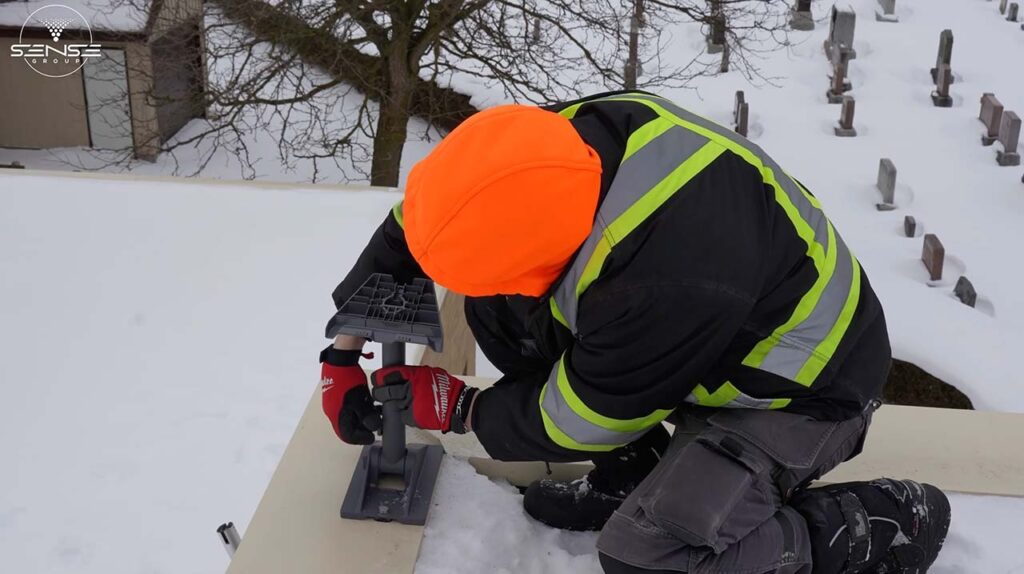
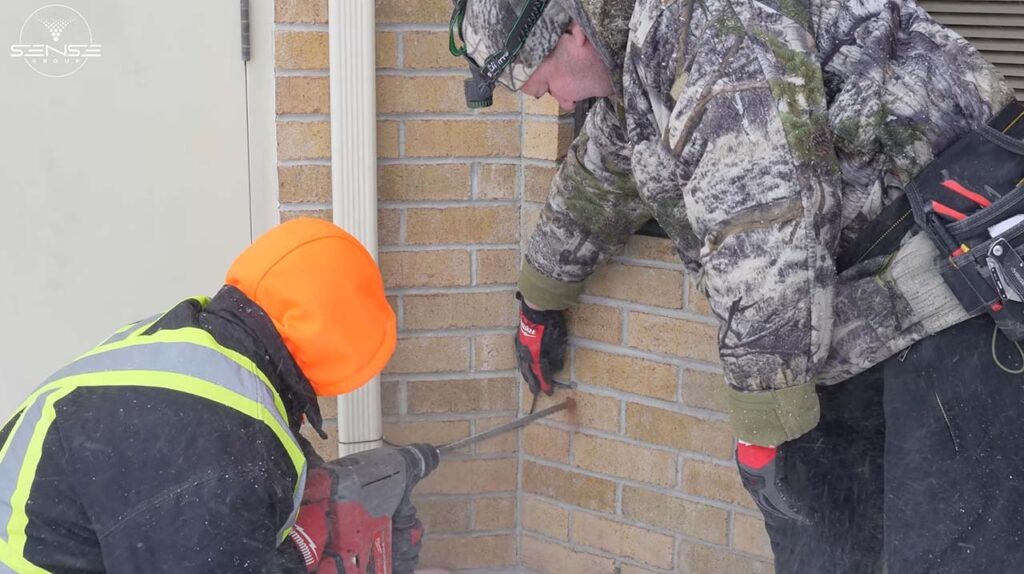
Next, we installed the mount. We secured it to the roof and properly sealed every penetration. This is standard practice for us. No shortcuts. No future problems. A poorly sealed roof penetration leads to leaks, damage, and service calls that should never happen.
We placed the dish on the mount and fixed it mechanically. Then we brought the cable inside to the network area.
This part of the job requires attention to detail. Cables need to be routed cleanly, especially in public buildings like churches. This is not cosmetic. It is operational discipline. A clean installation is easier to troubleshoot, easier to expand, and lasts longer.
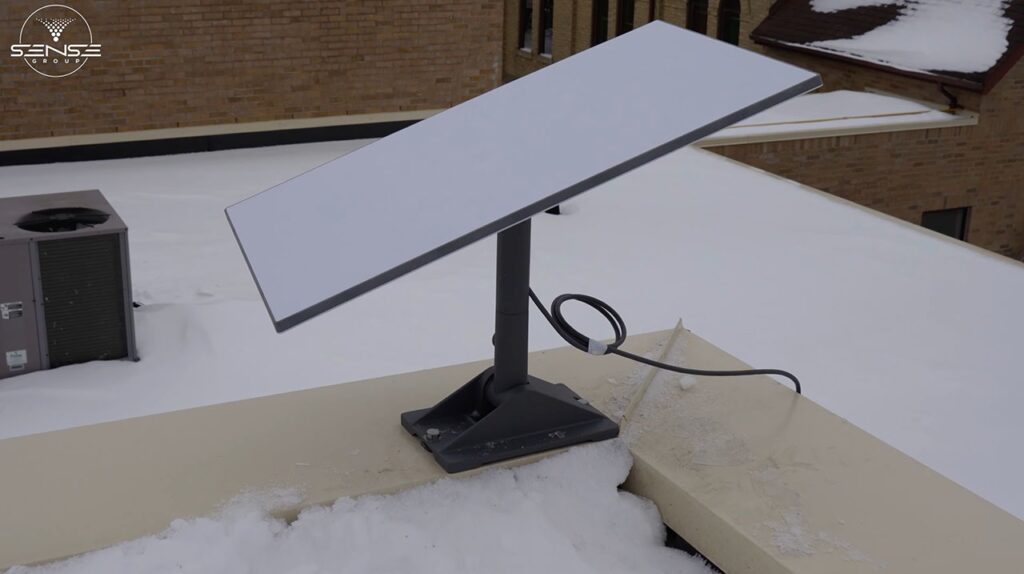
For larger projects, we offer complete (network cabling services here link: https://sense-group.pro/network-cabling/) that follow the same principles.
Here is something many people do not realize about Starlink Standard Kit. The dish does not move automatically. Alignment is done manually.
We use the Starlink app to see the exact direction and angle required. Then we make small adjustments to the dish position while monitoring the signal strength. When alignment is correct, the connection becomes stable.
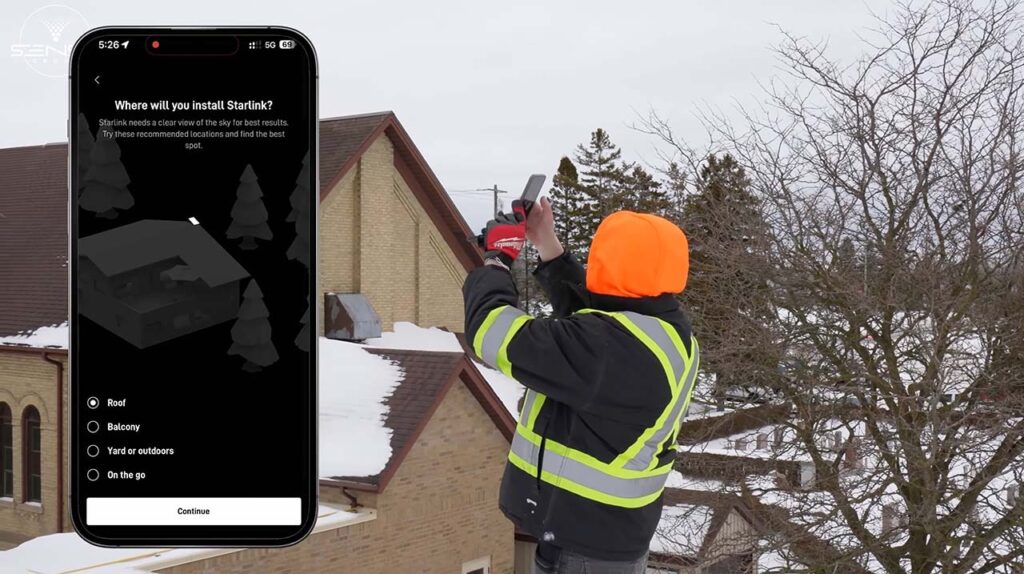
This step is critical for long-term reliability, especially on commercial and strategic sites. A dish that is “close enough” will work today but may drop signal during weather events or slight shifts over time. We take the time to get it right.
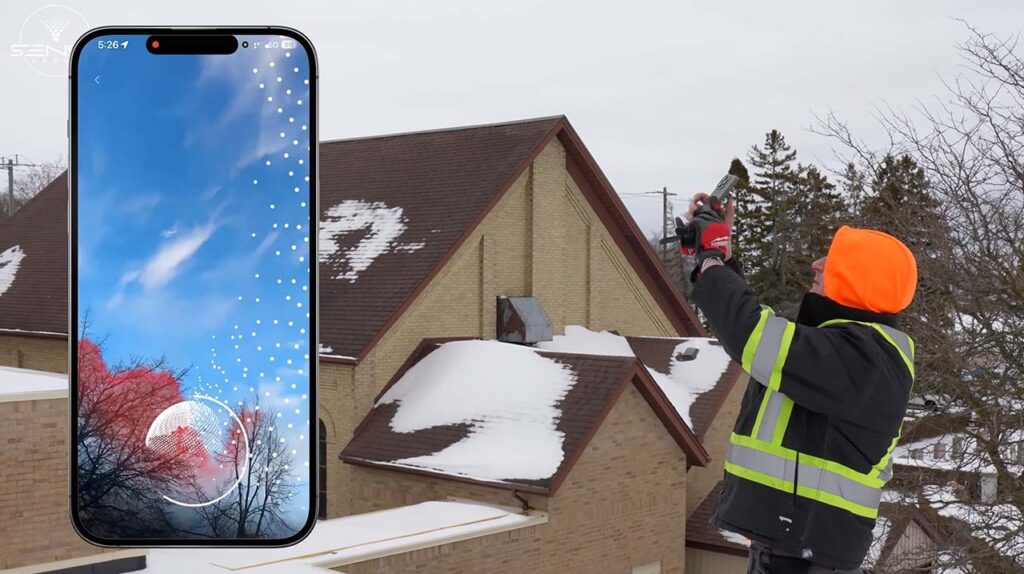
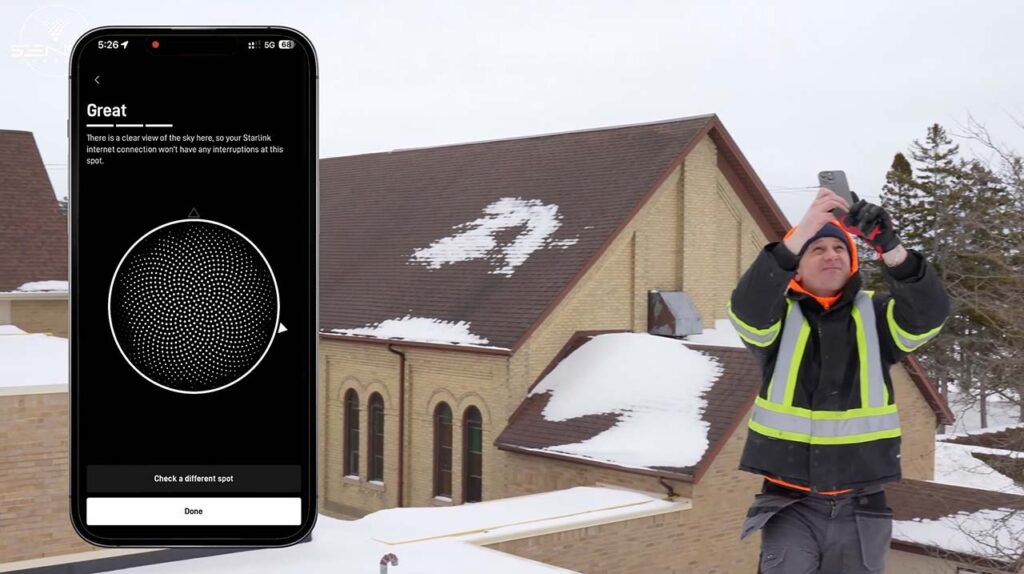
At this point, the internet is working. But we do not stop here.
We enable bypass mode on the Starlink router. This turns off its built-in Wi-Fi. Starlink now acts only as the internet input. No wireless signal. No network management. Just raw internet connectivity.
Why do this? Because it allows us to fully control the internal network. For security infrastructure, this control is essential. We need to manage which devices connect, how traffic flows, and how the network responds to different loads. The Starlink router is not designed for this level of control.
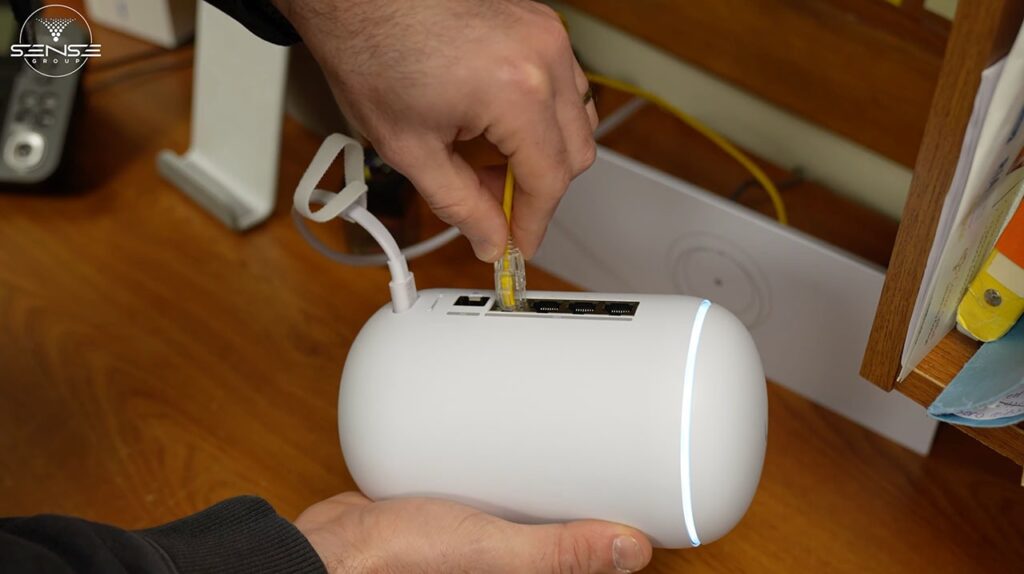
We provide complete (Starlink installation services here link: https://sense-group.pro/starlink-installation/) that include this bypass configuration for commercial clients.
Now the real network build begins.
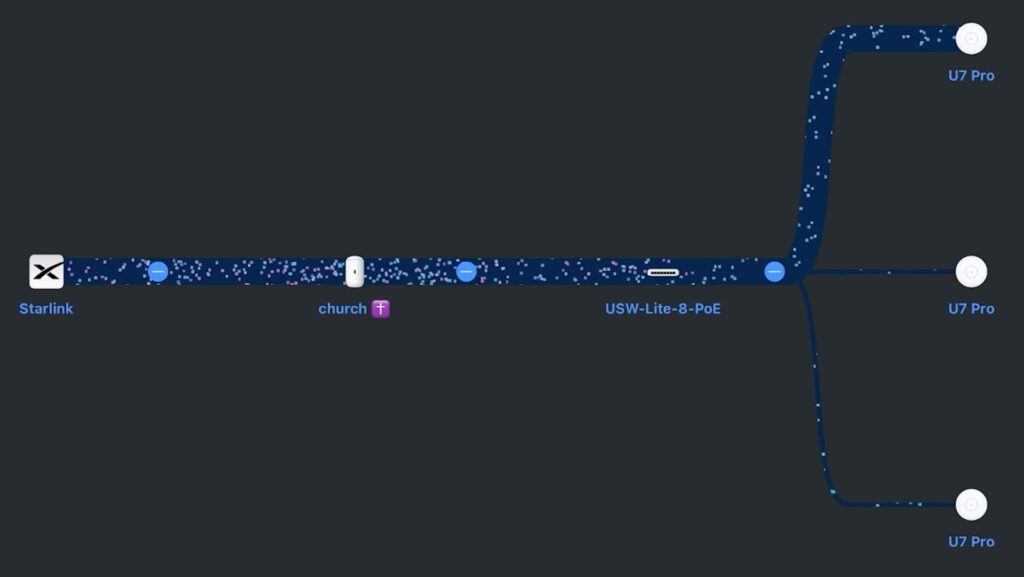
Internet comes from Starlink into our main router. For this project, we used Ubiquiti Dream Router. This device controls the entire site. It handles routing, firewall, and network management in one unit.
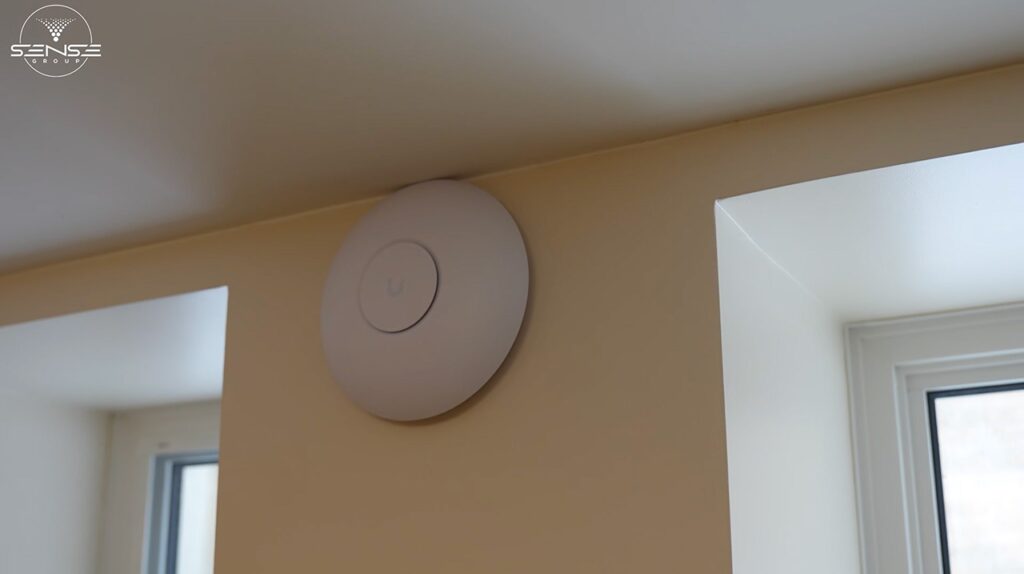
From the router, we connected an 8-port PoE switch (USW-Lite-8-PoE). PoE stands for Power over Ethernet. One cable delivers both power and data to each device. This is how we build scalable networks for commercial and industrial environments. Fewer cables. Cleaner installations. Easier expansion.
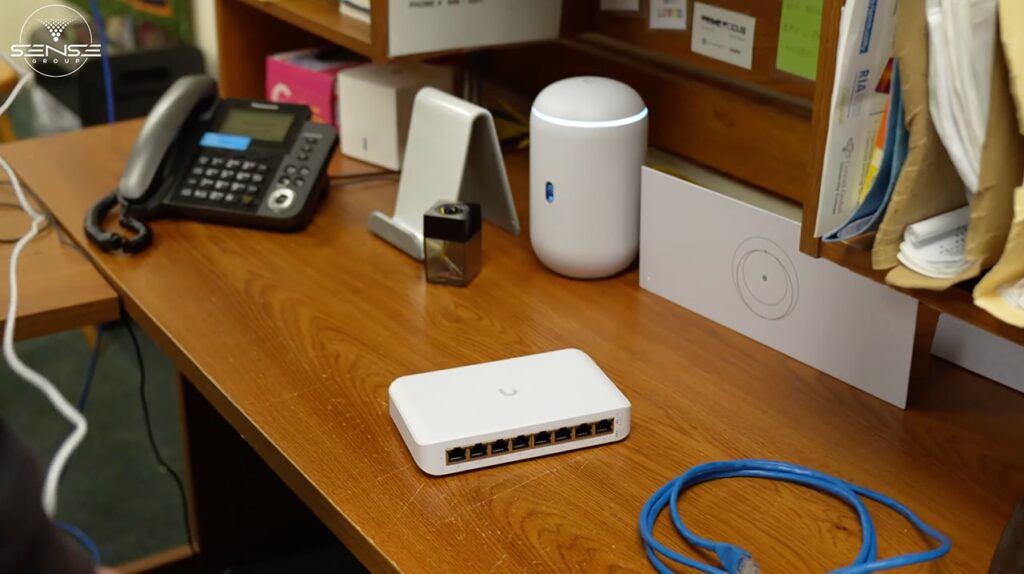
From the switch, we ran network cabling to each access point. The cables are routed cleanly and hidden where possible. In a church, this matters. Members of the congregation should not see cables running across walls and ceilings. But more importantly, clean cabling is easier to maintain and troubleshoot.
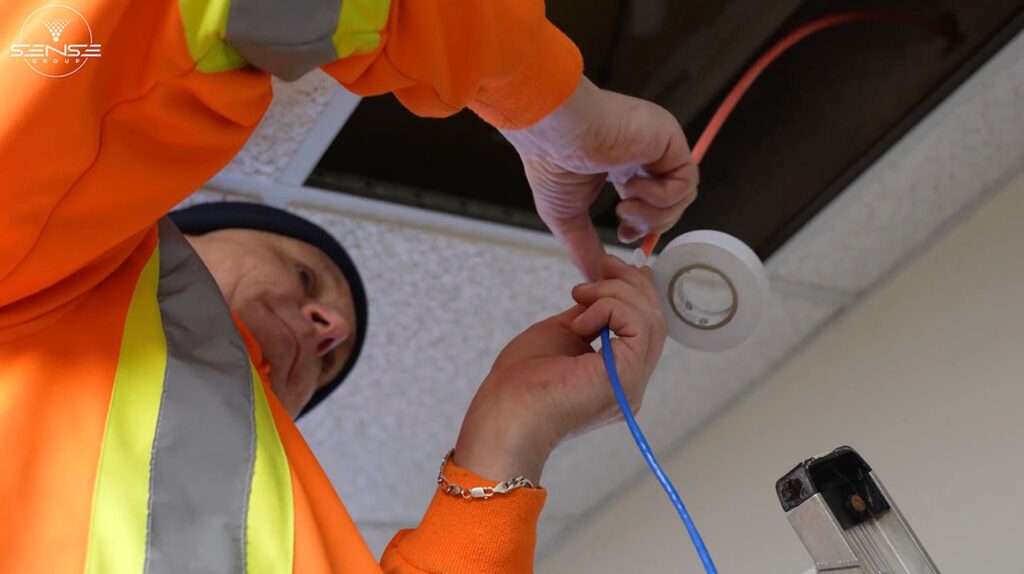
We follow the same principles whether wiring a church, warehouse, or home. If you want to understand the fundamentals, we explain them in our article on (wiring for modern security infrastructure here link: https://sense-group.pro/blog/wiring-a-home-for-modern-security/).
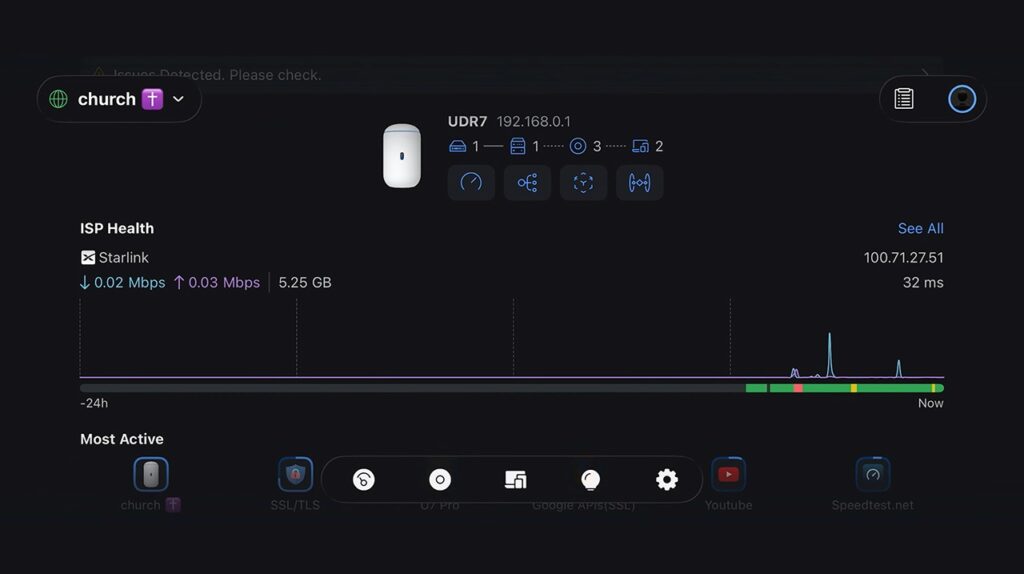
With everything connected, we opened the network app. Full topology visible. Router. Switch. Access points. Everything is managed from one dashboard. This is the level of control we deliver on every project.
We ran a speed test. Stable connection. Consistent speed. The building was online.
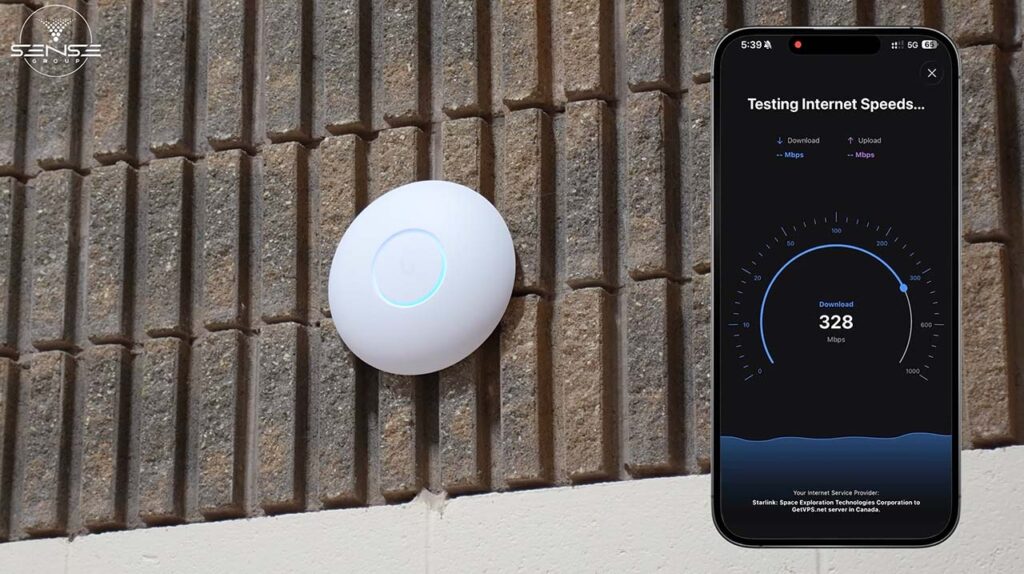
For businesses that need reliable Wi-Fi coverage, we also offer dedicated (access point installation here link: https://sense-group.pro/access-point/).
With stable internet and a professional network in place, this church can now do things that were impossible before.
Video surveillance. Cameras can record locally and stream remotely. The church administrator can check footage from anywhere.
Access control. Electronic locks can be managed through the network. No more lost keys. No more wondering who has access to which doors.
Alarm systems. Sensors can communicate over the network and send alerts to phones or monitoring services.
Remote management. The entire system can be monitored and adjusted without being physically on site.
None of this was possible when the building had no internet. Now it is all within reach.
| Category | Outcome |
| Internet connectivity | Stable connection via Starlink |
| Network visibility | Full topology managed through app |
| Infrastructure | Ready for security system deployment |
| Future capability | Video surveillance, access control, alarms, and remote monitoring |
| Installation quality | Clean cabling, sealed penetrations, proper alignment |
For us, getting a building online is step one. The real value comes from what that connectivity enables. Security cameras. Access control. Remote monitoring. If your integrator treats the internet as the end of the project, they are missing the bigger picture.
The built-in Starlink router is fine for home use. For commercial buildings, it limits what you can do. Bypass mode turns Starlink into a simple internet input and lets you build a network that meets professional requirements.
Never skip the app scan. Even if the sky looks clear, check for obstructions before mounting the dish. This five-minute step prevents signal issues that are expensive to diagnose later.
Running cables neatly is not about aesthetics. It is about reliability. Clean installations are easier to troubleshoot, easier to expand, and less likely to fail. This is true whether you are wiring a church or a warehouse.
This case study is relevant if you recognize your situation below.
If this describes your situation, the approach we used for this church applies directly to your building.
When an ISP tells you that internet is not possible at your location, that is not the end of the conversation. It is the beginning of a different one.
Starlink provides connectivity where traditional providers cannot. But raw internet access is only part of the solution. For churches, warehouses, and industrial facilities, you need a network built for the building. One that supports security cameras, access control, and the systems that keep your property safe.
We installed Starlink as the internet source. Then we built the network infrastructure to make that connectivity useful. The church is now fully online and ready for security system deployment.
If you manage a building where the internet was supposed to be impossible, this is how we solve that problem.
| Website | sense-group.pro |
| Phone | (647) 578-7511 |
| [email protected] | |
| Service Area | Greater Toronto Area |
We build network foundations that support security systems. If your building needs connectivity, we can help.
Yes. Starlink provides satellite internet that works anywhere with a clear view of the sky. We check for obstructions before every installation using the Starlink app. If the scan shows clear sky at your location, Starlink will work.
It depends on the building and requirements. The Starlink Standard Kit works well for most churches. For larger buildings or higher bandwidth needs, we also install high performance and commercial equipment from Starlink. We recommend the right option based on your specific situation.
For a straightforward installation like this church, we complete the work in a single day. This includes roof mounting, dish alignment, bypass mode configuration, and internal network setup. More complex buildings with multiple access points or extensive cabling may take longer.
Bypass mode turns off the Starlink router’s built-in Wi-Fi. This allows us to use professional network equipment instead. For security infrastructure, we need full control over the network. The Starlink router is designed for simple home use and does not provide the management capabilities that commercial buildings require.
Yes. That is the purpose of building this foundation. Once the network is stable and properly configured, we can deploy video surveillance, access control, and alarm systems. The infrastructure we install is designed specifically to support these systems.
We primarily serve the Greater Toronto Area, including Toronto, Mississauga, Brampton, Vaughan, and surrounding communities. For churches outside this region, we evaluate projects on a case-by-case basis. Contact us with your location and requirements.
You can install Starlink yourself. The Standard Kit is designed for self-installation. However, professional installation adds value in several ways: proper obstruction checking, secure roof mounting with sealed penetrations, optimal dish alignment, bypass mode configuration, and professional internal network setup. For churches that plan to use the connection for security systems, professional installation ensures the foundation is built correctly.