Sense Group
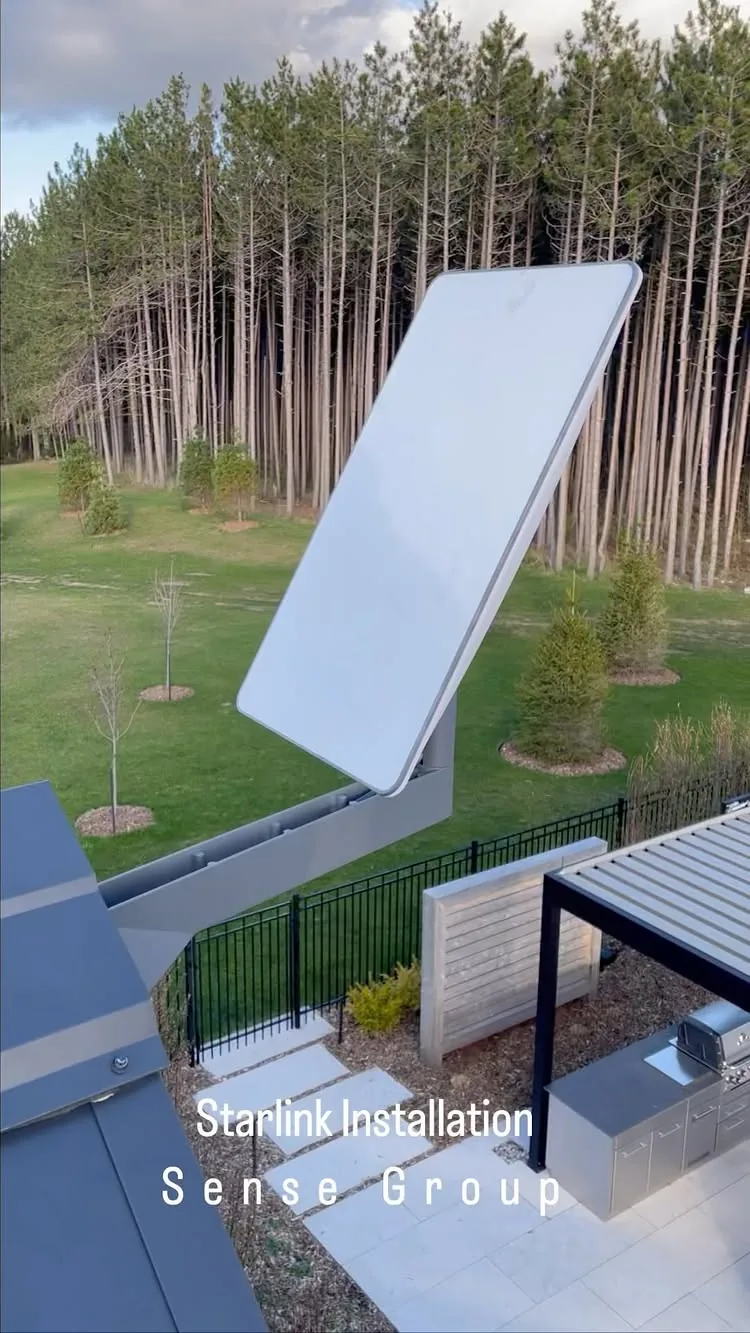
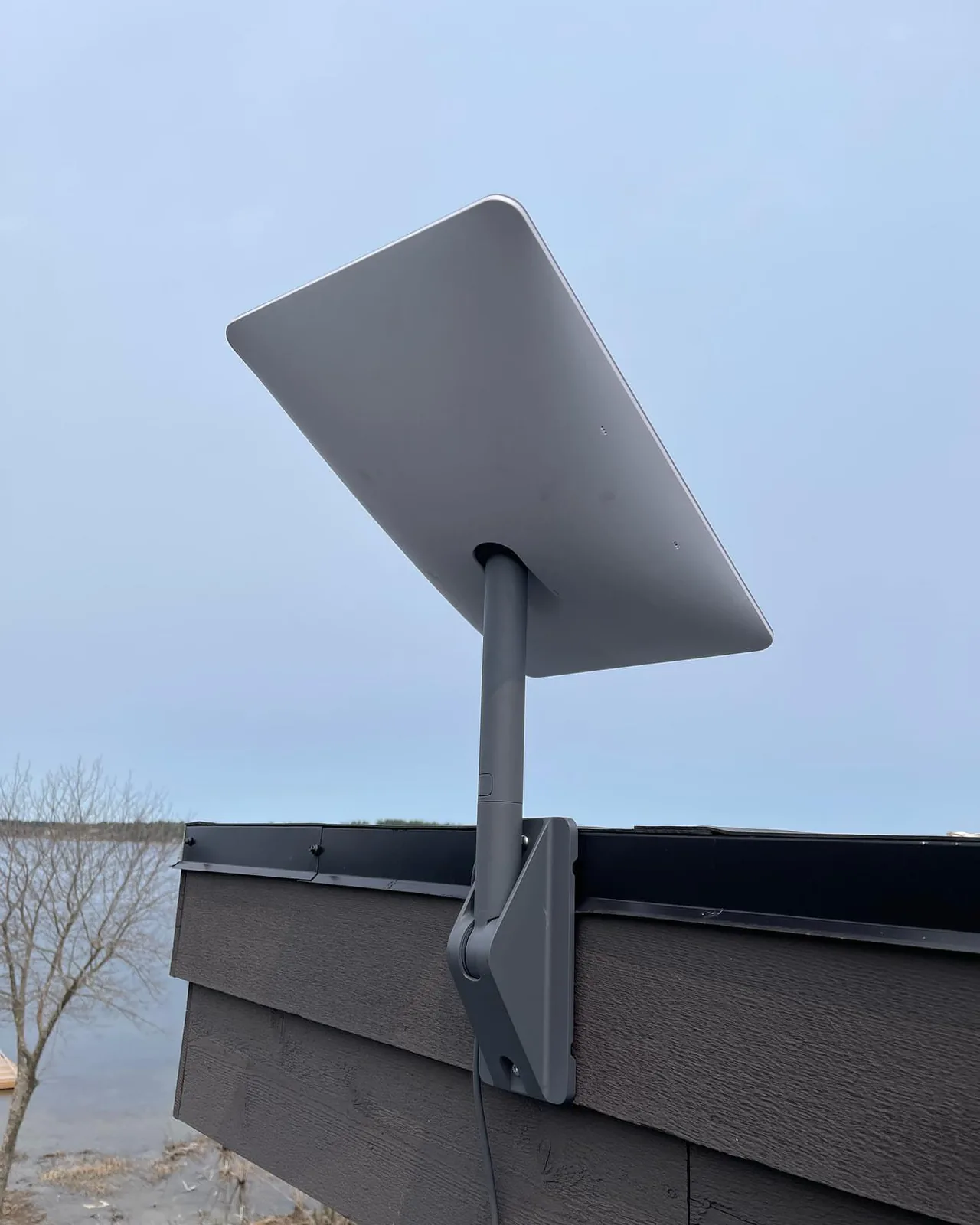
Starlink dish on a roof edge overlooking a lake in Springwater

Starlink Installation in King City

King Township is home for us, and it is also one of the best Starlink markets in Ontario: estate lots on the moraine, horse farms from Nobleton to Schomberg, the Holland Marsh, and villages where fibre still stops at the main street. We install Starlink in King City, Nobleton, Schomberg, Kettleby and every concession road between them.

Homes, cottages, farms, businesses, boats and job sites. Fixed price before we arrive.

  • 14+years installing networks
  • 156Google reviews, many for Starlink
  • Same weekappointments across the GTA and Muskoka
  • 3-yearworkmanship warranty on the mount and cable
  • Licensedand insured technicians

Free obstruction check before you buy

Send the address and a few photos. We check sightlines on satellite imagery, and on tricky lots we come out with the Starlink app before you order the kit. If your property cannot get a clear view, we tell you, free.


Speed verified before we leave

Every install ends with a speed and latency test at the router and in the far rooms, written on the handover sheet. If a room falls short we fix it that day with a mesh node or a cable.

No-leak, no-loosen workmanship warranty

Mount, flashing, cable entry and terminations are covered for three years. Starlink covers the hardware; we cover the work.

We are an independent installer. We mount, cable and configure Starlink equipment you own, and help you pick the right kit and plan. We are not SpaceX or Starlink, we do not sell subscriptions, and warranty service on the hardware comes from Starlink.

As seen in

Markets InsiderYahoo FinanceBenzingaApple News

Coverage of our Ontario service expansion, November 2025.

Your Starlink installer in King City: who calls us and why

We are based on King Road, so Starlink installation in King City is often a next-day job. The township is forest and farmland: Kingscross and Fairfield estates under old pines, farms along the 15th and 16th Sideroads, Pottageville and Ansnorveldt on the Marsh. Nearly every property is a classic Starlink install, and nearly every one needs the mount chosen for trees rather than for convenience.

  • Obstruction survey with the Starlink app before anything is drilled
  • Permanent, flashed and sealed mounts: roof, wall, pole, tower or ballast
  • Hidden cable runs, surge protection and Wi-Fi that reaches every room
  • Fixed written price and a 3-year workmanship warranty
Book a Starlink installation in King City

Watch our Starlink installations

Short clips from real Starlink jobs: roof peaks, snowy roofs, boats and a full network build. The same crews come to King City.

How We Built a Professional Network with Starlink Gen 3, video
How We Built a Professional Network with Starlink Gen 3
Starlink Installation in the Woods, video
Starlink Installation in the Woods
Starlink + UniFi Countryside Home Install, video
Starlink + UniFi Countryside Home Install
Starlink + UniFi Wi-Fi for a Countryside Home in Ontario, video
Starlink + UniFi Wi-Fi for a Countryside Home in Ontario
Starlink Installation in Creemore, Ontario, video
Starlink Installation in Creemore, Ontario

Videos play from YouTube's privacy-enhanced player only when you press play. See all our videos on YouTube.

Where we install Starlink in King City

Three kinds of King City property keep our Starlink crews busy. Each one gets a different mount and a different network.

Kingscross and Fairfield estates

Peak and chimney mounts above the pines, poles in the clearing where the house is buried, mesh Wi-Fi for houses with stone walls and three floors.

Horse farms and the Marsh

Starlink at the house or barn, wireless bridges to the arena, packing shed and gate camera, UPS backup for the router.

Nobleton and Schomberg businesses

Second connection for the shops, clinics and the Highway 400 industrial units that cannot sit through an outage.

Starlink installation across King City

  • King City village and Kingscross Estates
  • Nobleton and Fairfield
  • Schomberg and Lloydtown
  • Kettleby and Pottageville
  • Ansnorveldt and the Holland Marsh
  • Laskay, Eversley and Kinghorn
  • Snowball and Strange
  • The 15th and 16th Sideroads

What professional Starlink installation in King City includes

The kit comes with a 15 m cable and a base for the lawn. Everything that makes it a permanent, fast, weatherproof connection is on this list.

Obstruction survey

We scan the sky with the Starlink app from every candidate position and pick the one with the clearest 100 to 110 degree view north, before a single hole is drilled.

Permanent, sealed mount

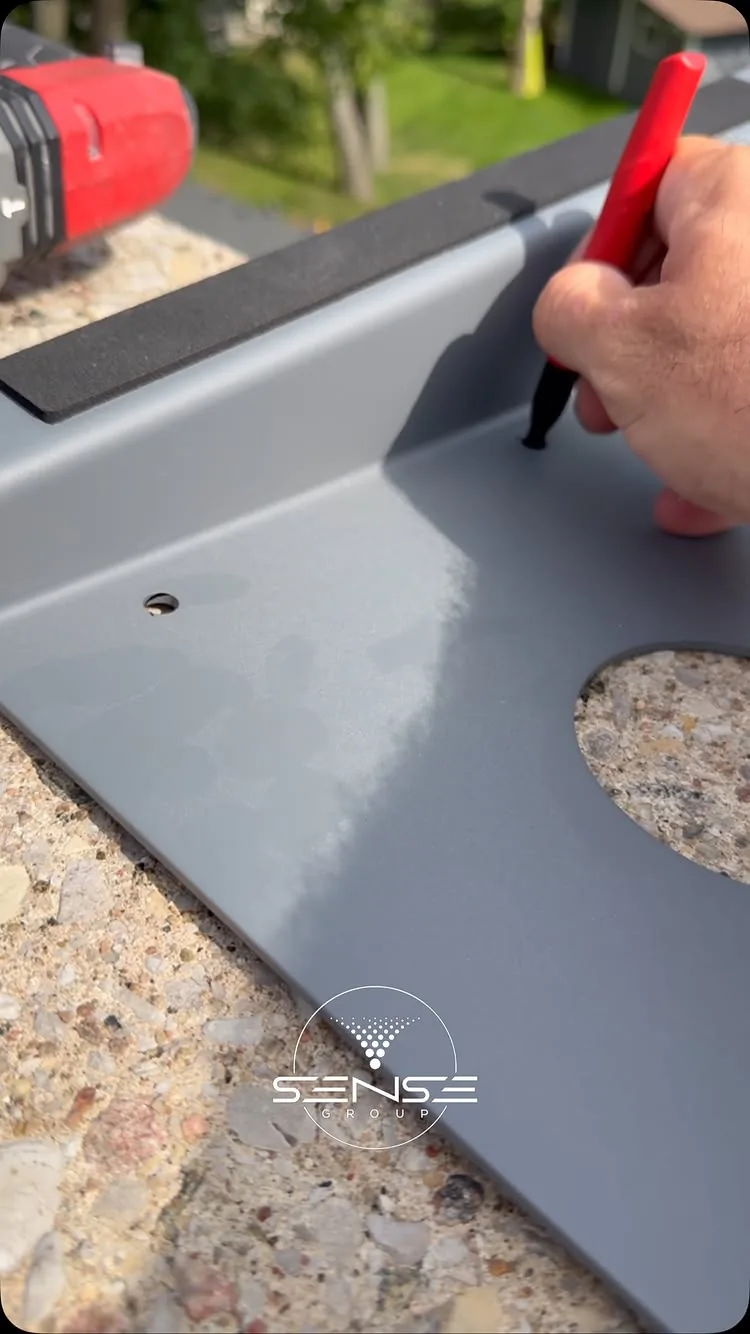
Pivot, pipe, wall, chimney, non-penetrating ballast or ground pole mount, fixed to structure, flashed and sealed against Ontario freeze and thaw.

Clean cable routing

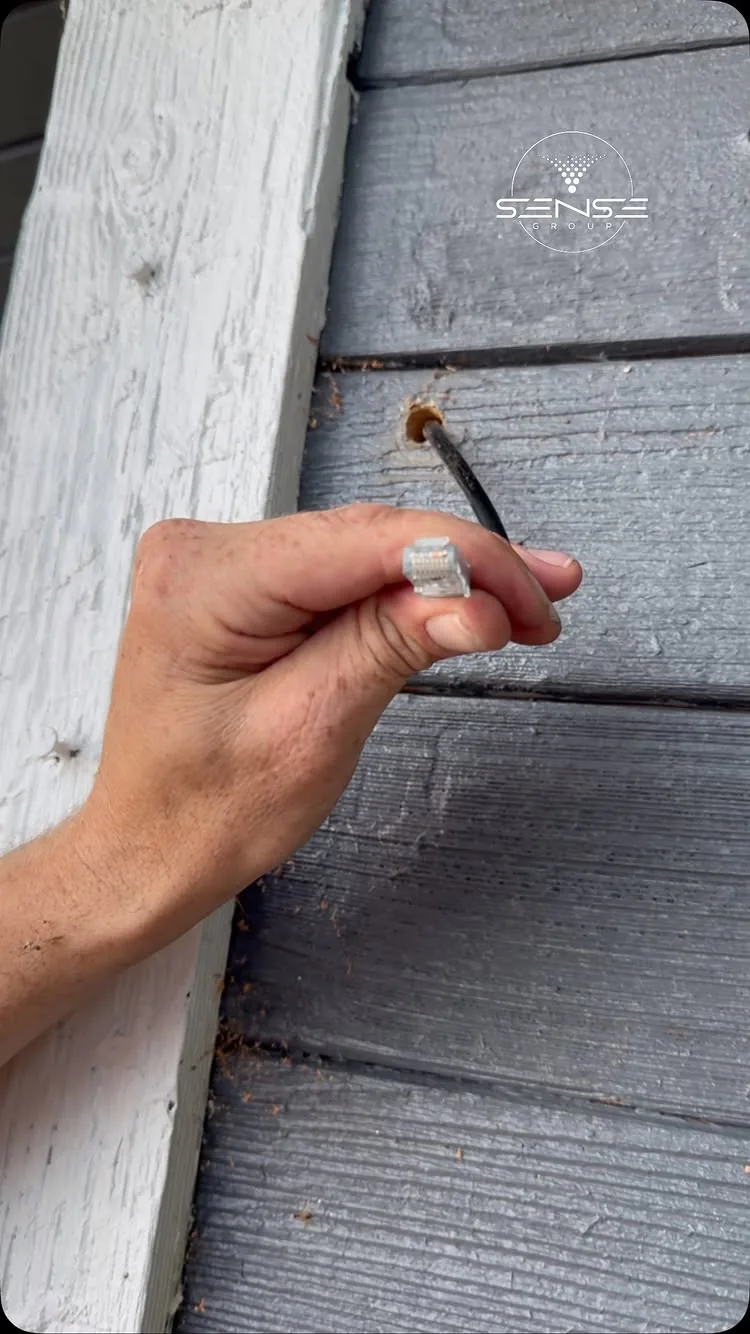
The Starlink cable runs through a sealed, grommeted entry, along soffits or inside walls, never through a window. Longer runs use the 45 m cable or an Ethernet extension.

Wi-Fi that reaches every room

Router placed where it covers the house, Starlink mesh nodes or a UniFi network for larger homes, cottages, barns and offices.

Speed test and app setup

We set up the Starlink app on your phone, name the network, test speed and latency at the far corners, and leave you with the numbers.

Surge protection and grounding

A surge protector on the Starlink power supply and, where the mount calls for it, bonding to the building ground so a storm does not take out the kit.

Starlink mounting options for King City roofs, walls and yards

The hard part of a Starlink dish installation is not the dish, it is the sightline. These are the mounts we choose from once the obstruction check tells us where the clear sky is.

Roof peak or pivot mount

Shingle and metal roofs where the ridge clears the trees

Starlink pivot mount or a J-mount with the pipe adapter, lagged into rafters, flashed and sealed. Our most common mount on homes and cottages.

Wall or fascia mount

Two-storey homes, brick and siding, when the roof is hard to access

Long wall mount or pipe adapter on a standoff bracket, high on a gable or fascia, cable straight into the wall behind it.

Ground pole mount

Properties where the house sits under trees but a clearing is nearby

A 2 to 4 m steel pole set in concrete or a ground sleeve, with a buried conduit run to the house. The standard answer in cottage country.

Mast and tower

Heavy tree cover or a dish that must clear a two-storey roof line

Telescoping masts to 6 m and guyed or self-supporting towers to 15 m where nothing else gives a clean view.

Non-penetrating mount

Flat commercial roofs, condos, rentals

A ballasted sled mount on rubber pads with no roof penetration, approved by most property managers and roofers.

Boats, RVs and trailers

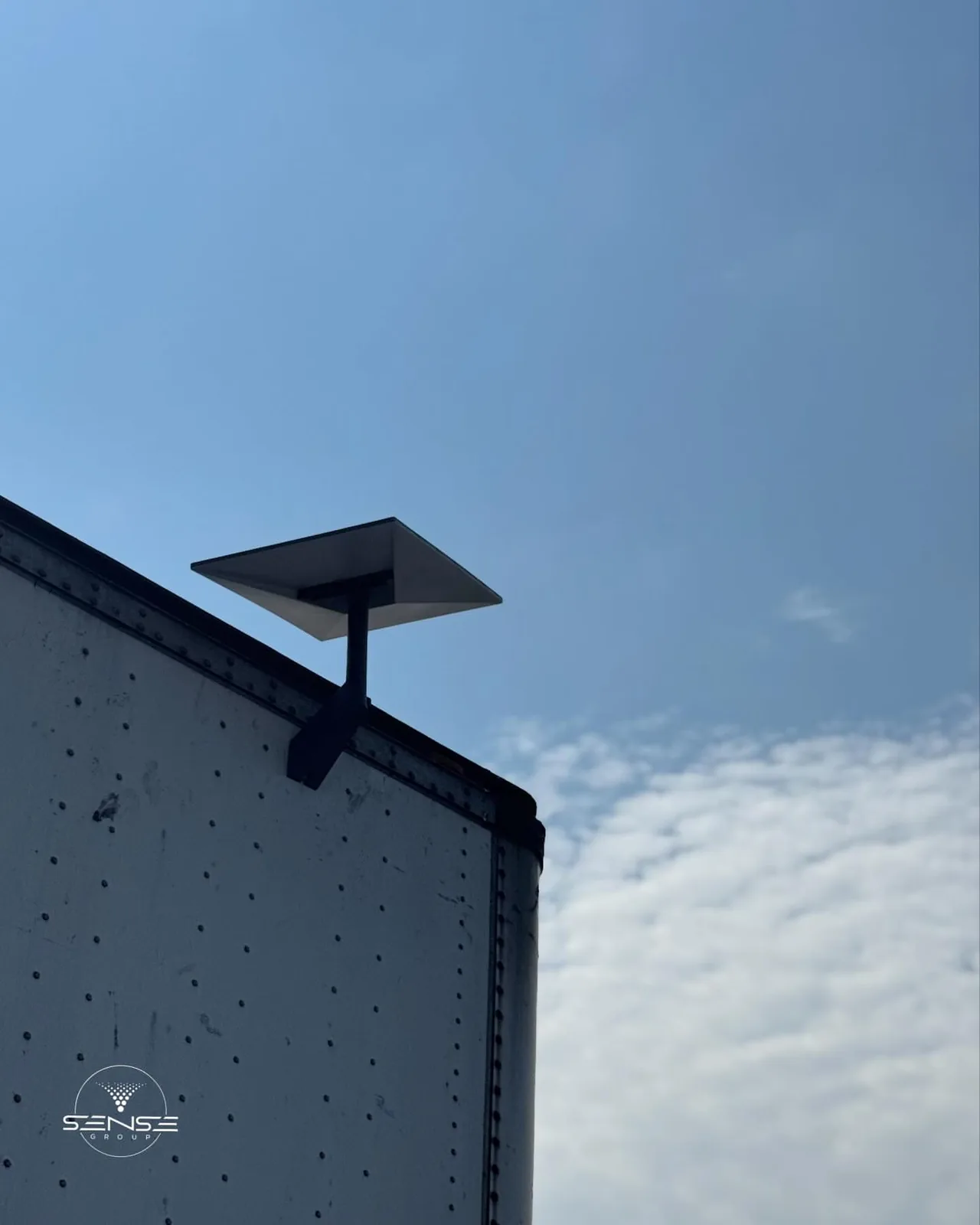
Marinas, construction trailers, seasonal sites

Radar arch, rail and trailer mounts with 12 V or inverter power for Starlink Mini and Standard, plus a portable tripod option for sites that move.

Which Starlink kit and plan for your King City property

Standard, Mini or Performance, Residential, Roam or Local Priority: we tell you which to order before you order it, and we install all of them.

Starlink Standard kit

Homes, cottages, small offices

The current flat dish with the Gen 3 Wi-Fi router, 110 degree field of view, snow melt and a 15 m cable in the box. We stock the 45 m cable, pipe adapter and wall mounts it does not ship with.

Starlink Mini

Boats, RVs, job sites, backup internet

A dish the size of a laptop with the router built in, running on 12 to 48 V DC. We mount it permanently on vehicles and boats or set it up as a portable kit with a weatherproof power feed.

Starlink Performance (Business)

Businesses, construction sites, multi-tenant buildings

The larger high-performance dish with a 140 degree view, higher throughput in snow and heat, and the Local Priority plans. Needs a heavier mount and a proper network behind it, which is what we do.

Enterprise and failover

Offices and sites that cannot go down

Starlink as a second WAN behind a UniFi or Meraki gateway with automatic failover from fibre or cable, VLANs for guests and cameras, and remote monitoring.

Kit and plan prices change through the year and are set by Starlink; see starlink.com for today's numbers. Our installation prices are below and are fixed before we arrive.

Starlink for homes, cottages, farms, businesses and boats in King City

Satellite internet installation is a different job on a roof, a barn, a job trailer and a radar arch. We do all of them.

Cottages and lake houses

Seasonal and year-round cottages where there is no cable and the trees are the problem. Pole mounts, roof peaks and shoreline clearings.

Boats and marinas

Radar arch and rail mounts on cruisers and sailboats, and marina-wide Wi-Fi fed by Starlink.

Islands, water access and seasonal roads

A good part of our Starlink work in Muskoka, Georgian Bay and the Kawarthas is reached by boat. We plan those from satellite imagery and your photos, bring everything in one trip and work around the weather.

  • Mount planned ahead so there is no second trip for a part
  • Rock-anchored and ballasted poles where there is granite instead of soil
  • Starlink Mini on 12 to 48 V DC for solar cottages, batteries sized for the Standard kit
  • Boathouse and dock mounts where the shoreline has the only clear sky
  • Point-to-point wireless bridges up to 5 km between buildings and across bays
  • Marine mounts on radar arches, rails and hardtops for the boat that gets you there

Starlink dish installations by our team

Real photos from our own Starlink jobs across Ontario, not stock images. The technicians in these photos are the ones who come to King City.

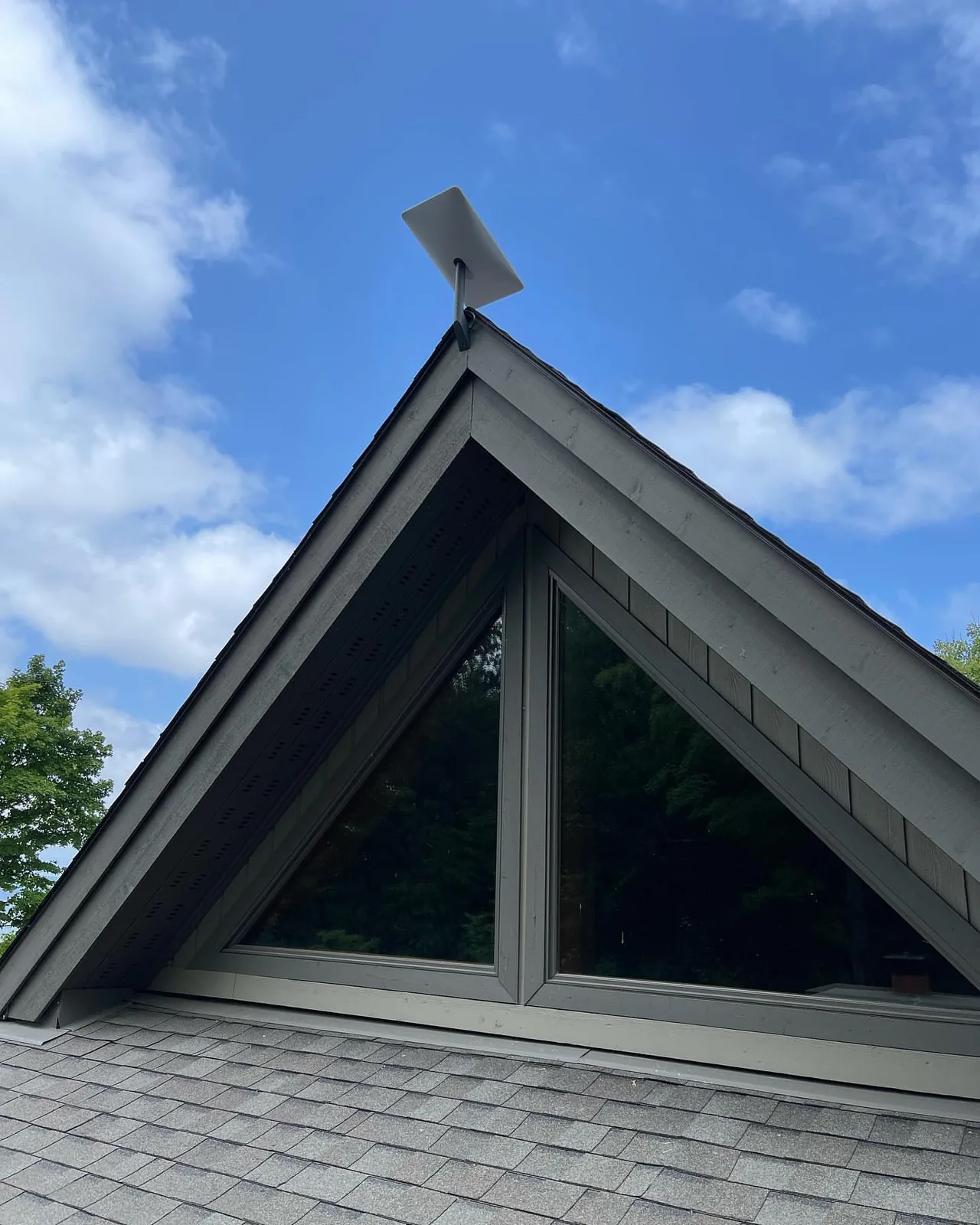
Starlink dish on the peak of an A-frame cottage in Muskoka
01A-frame peak mount in Muskoka, the highest point on the property
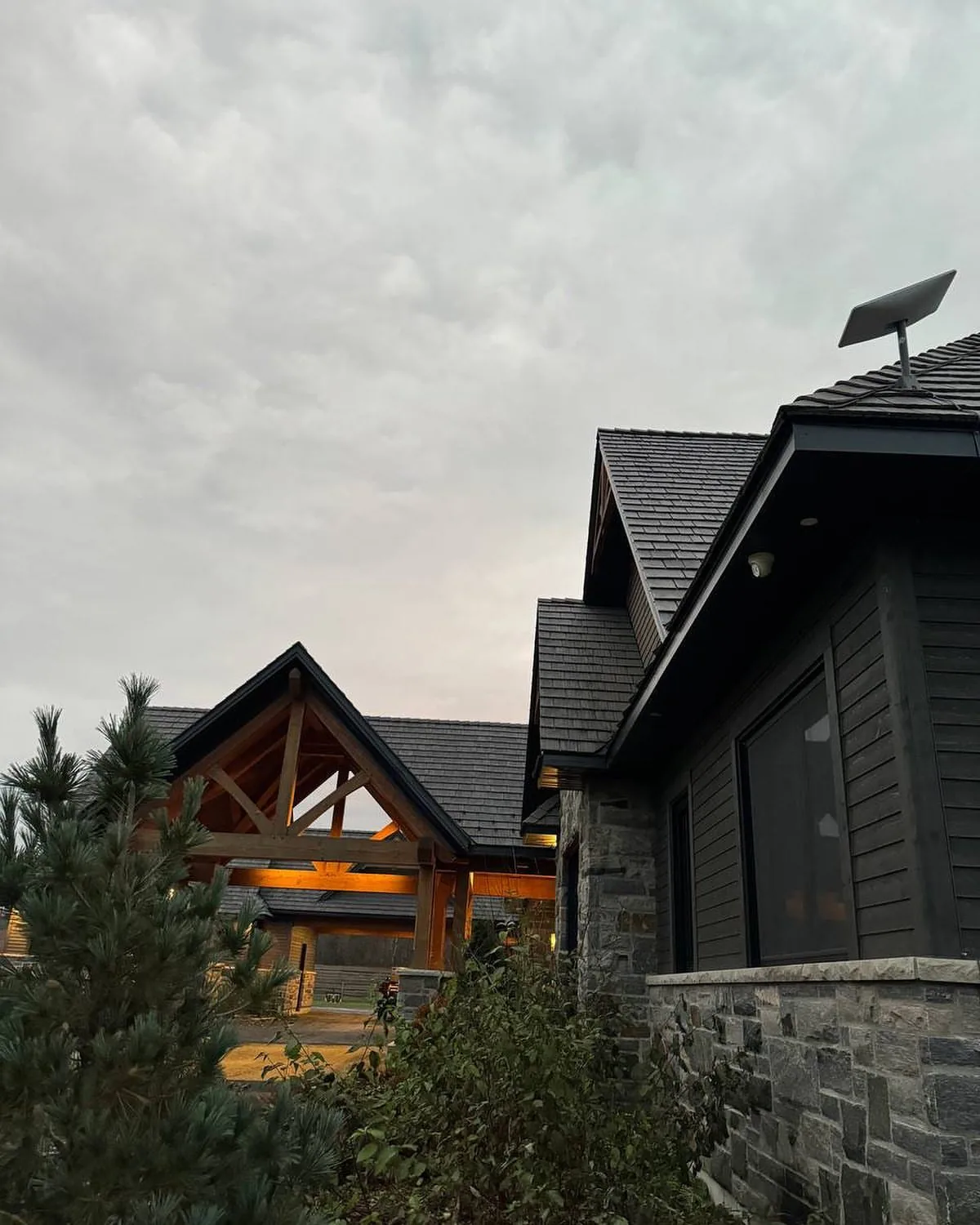
Starlink dish on the roof of a stone and timber cottage at dusk
02Stone and timber cottage at dusk, dish on the ridge
Starlink dish on a cottage gable under dramatic clouds
03Gable mount on a lakeside cottage
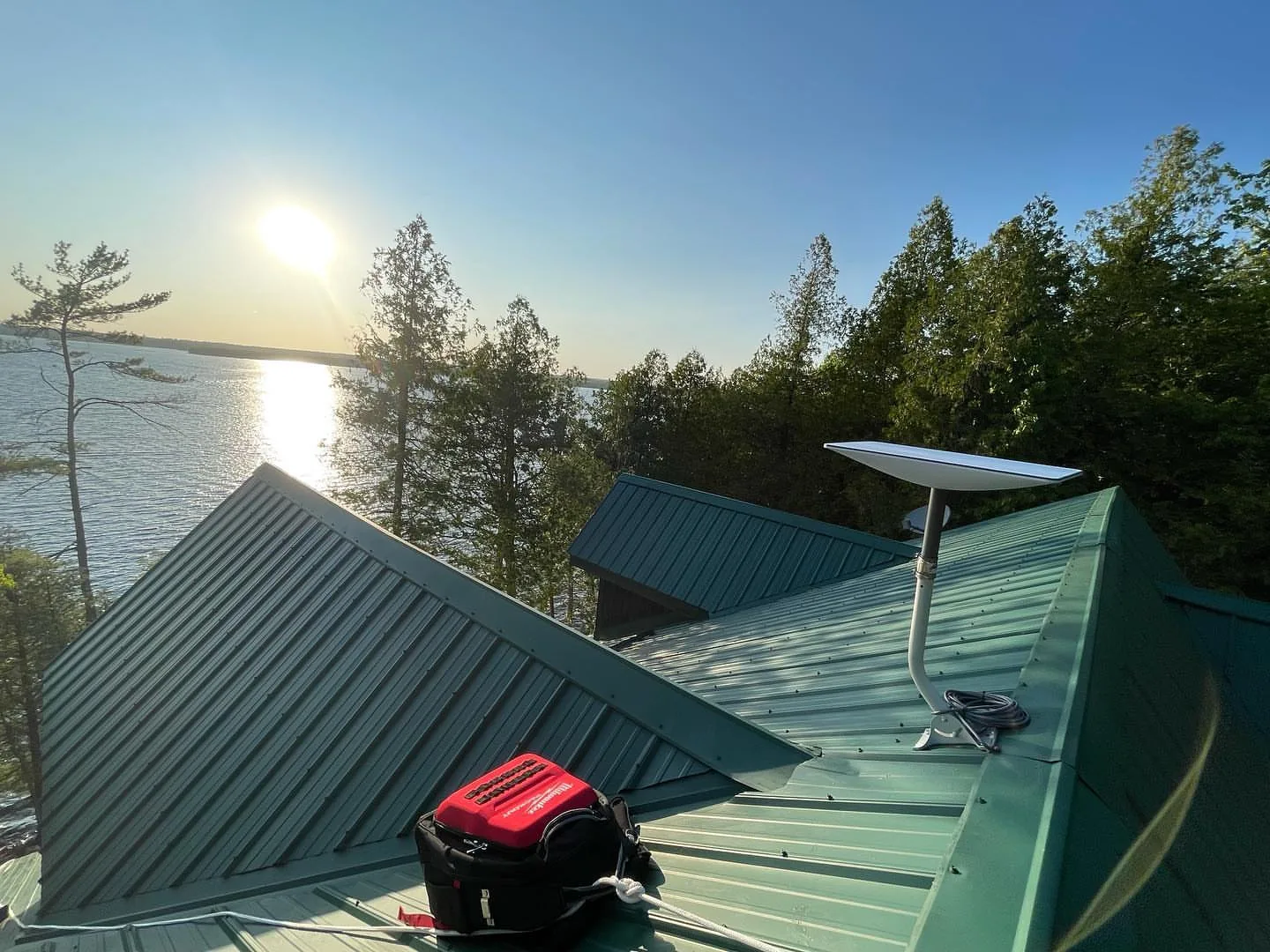
Starlink dish on a green metal roof beside a lake at sunset in Oro-Medonte
04Metal roof mount on a lakeside home in Oro-Medonte
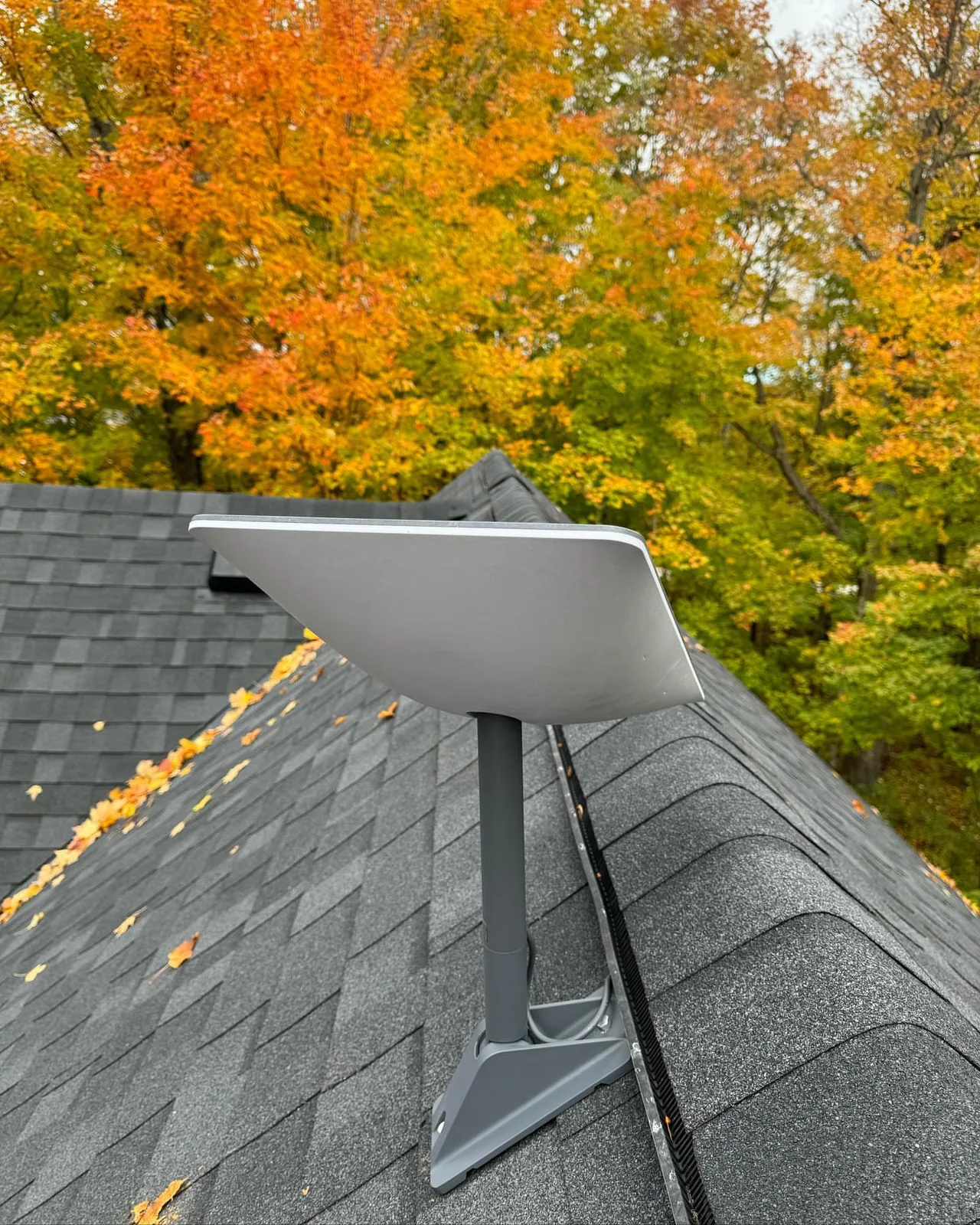
Starlink dish on a shingle roof beneath bright autumn maples in Creemore
05Autumn install in Creemore, dish above the maples
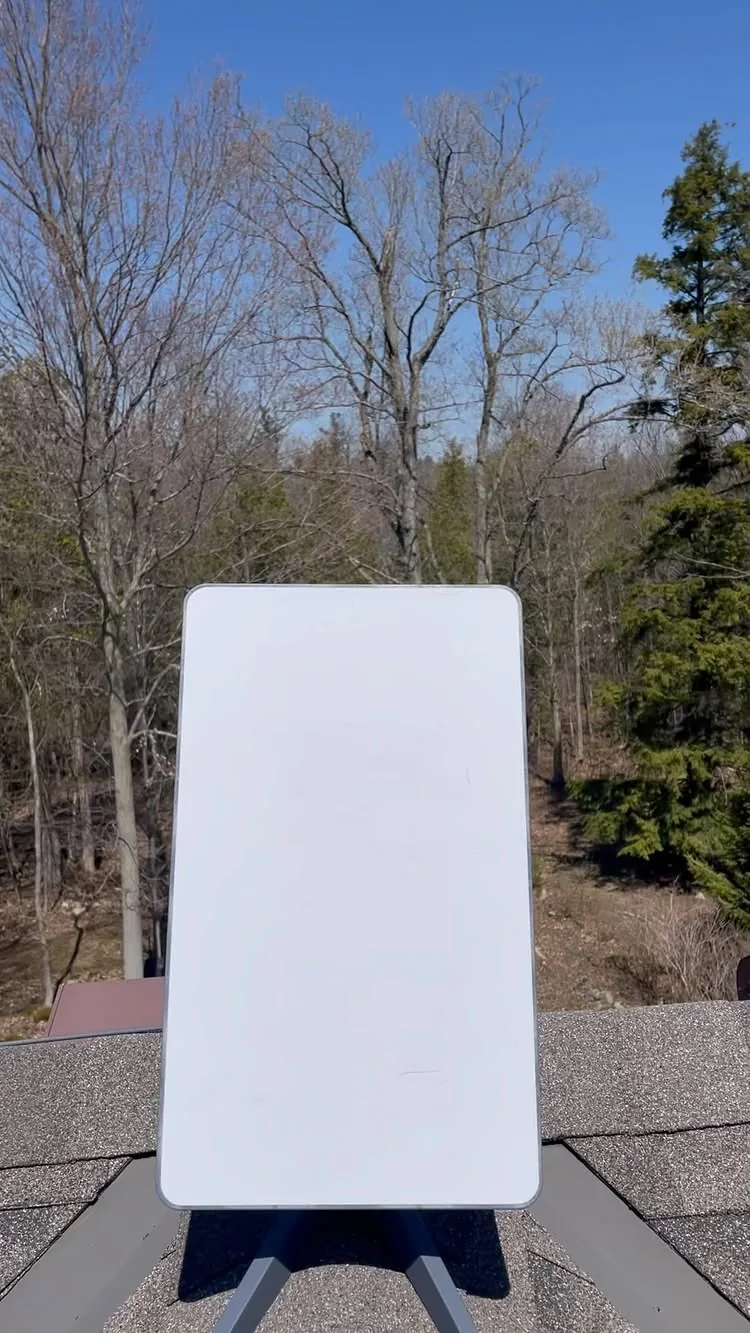
Starlink dish on the corner of a dark roof against a blue sky
06Pivot mount on a dark roof corner, cable sealed into the soffit

6 photos from our installations. Click any photo to enlarge.

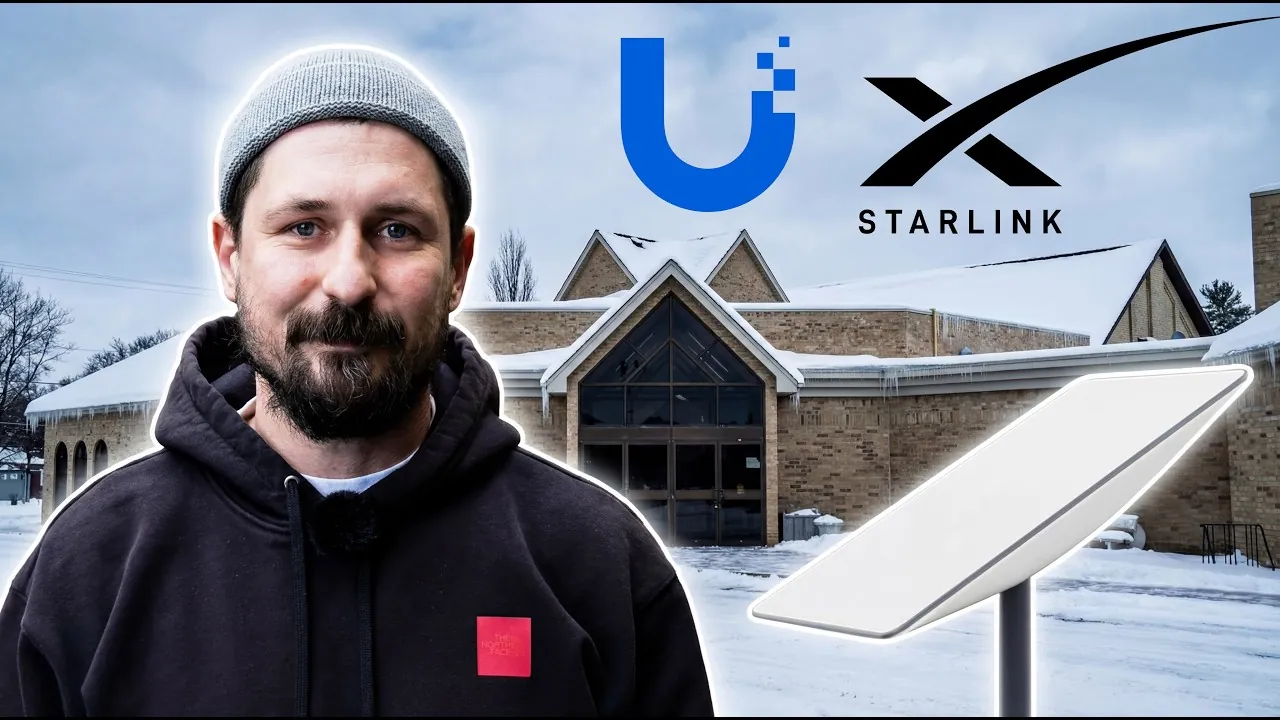
Breslau church: Starlink plus a UniFi networkRead our Google reviews

Starlink installation cost in King City

Our installation prices in Canadian dollars, fixed before we arrive. Prices are for labour, mounts, sealing, cable clips and testing. The Starlink kit and the monthly plan are bought from Starlink directly; we tell you which to order.

  • Starlink 45 m cable and Ethernet adapter
  • Starlink mesh nodes or UniFi access points
  • Point-to-point wireless to a barn, bunkie or dock, up to 5 km
  • Selective limbing when one branch is the whole obstruction
  • Failover with your existing fibre or cable
  • UPS battery backup for the router and dish
  • Security cameras and video doorbells over Starlink
  • Removal and reinstallation after roofing work
  • Relocation to a new property
Get my fixed price
Starlink installation prices
InstallationInstalled price
Standard roof, wall or fascia mount, cable to router$550 to $850
Ground pole mount with buried conduit$800 to $1,200
Mast or tower installation$1,500 to $4,500
Starlink Mini on a boat, RV or trailer$400 to $650
Business or Performance kit with network integration$1,000 to $2,500
Mesh Wi-Fi or UniFi access points, per node$180 to $350
Travel beyond 60 km of King CityQuoted per trip, shared when we group installs

Why King City chooses us for Starlink setup

Plenty of people will screw a dish to a roof. Fewer will survey the sky first, seal the roof properly, build the network behind it and answer the phone next winter.

Starlink is a core service, not a sideline

We have mounted Starlink on downtown rooftops, farmhouses, churches, construction trailers, boats and boat-access islands, and most of our Google reviews mention it by name.

Our own technicians, no subcontractors

The people who quote your job are the people on the roof. Licensed, insured, and the same crew that installs our camera and network systems.

Network installers, not just dish mounters

We run cable, set up UniFi and mesh Wi-Fi, build failover and connect cameras and intercoms. The dish is the easy part; the network is what you live with.

3-year workmanship warranty

The mount, flashing, cable entry and terminations are covered for three years. If it leaks or loosens, we come back at no charge.

Same-week appointments

Most GTA jobs are booked within the week and most Muskoka trips within two, with several installs grouped per day to keep the travel charge low.

Fixed price before we arrive

Photos of your roof and a satellite view are usually enough for a fixed quote. No hourly surprises, no upsell on site.

How a Starlink installation in King City goes, start to finish

Six steps, usually inside a week from the first call, two to four hours on site.

  1. 1

    Call or send photos

    Tell us the address, where the kit will live and whether you already have it. A few photos of the roof line and the trees usually settle the mount type.

  2. 2

    Sky check and fixed quote

    We check obstructions on satellite imagery and, where it is close, with the app on site. You get a fixed written price with the mount, cable length and any Wi-Fi gear listed.

  3. 3

    Kit, plan and booking

    If you have not ordered yet we help you pick Standard, Mini or Performance and the plan that fits, then book a date around the kit's delivery.

  4. 4

    Mount, cable and seal

    Two to four hours on site: mount fixed to structure, cable routed and sealed, router placed, surge protection fitted, roof left clean.

  5. 5

    Configure and test

    App set up, network named, speed and latency tested room by room, mesh or Ethernet added where a room falls short.

  6. 6

    Handover and support

    You get the photos, the numbers and a direct line to the installer. Snow, storms or a move: call us.

What Starlink customers say about us

From our Google reviews. Most of them are about Starlink installs at cottages, farms and rural homes.

We recently had Sense Group install our Starlink system at our cottage. Communication with the company was immediate, their prices were fair, and the service was excellent. Vitalii was knowledgeable, professional and had us connected in no time. We are very pleased with the install and highly...

Kelly SmithGoogle review, 2023

Vitaly completed our Starlink install/setup. He was very professional, cleaned up when the job was done, and offered great support during setup. Thank you for the great work!

Chris McAlisterGoogle review, 2023

We have been suffering with Xplornet for years and when we were able to get starlink we were very excited. Nataliia and Vitaly were great - they got us booked in quickly, Vitaly was right on time, and did a great job. He asked what we needed most and tailored the set up to that. Couldn't be...

J MilneGoogle review, 2023

All 156 Google reviews

Starlink installation in King City: questions we get asked

Cost, trees, winter, kits, plans and Wi-Fi. If yours is not here, call us and ask.

How fast can you install Starlink in King City?

Often the next day. We are based in King City, so a property in the township is on the way to everything else we do.

Do the pines on the moraine block Starlink?

They can. The dish needs a clear cone of sky, mostly north. We check the ridge, the chimney and the yard with the app, and on fully wooded lots we set a mast or a pole in the nearest clearing. We have installed dozens of Starlink systems in Kingscross and Fairfield this way.

Can you connect a barn or an arena to the house's Starlink?

Yes. A point-to-point wireless bridge or a buried Ethernet run carries the connection, and the barn gets its own Wi-Fi, cameras and thermostat on it.

Do you supply the Starlink kit or do I order it?

You order the kit and the plan from starlink.com in your name, so the account, billing and hardware warranty stay with you. We tell you which kit to order for your property, help you set up the account if you like, and install it when it arrives. If you already have a kit sitting in the box, even better.

How much does professional Starlink installation cost?

A standard roof or wall mount with the cable run to the router is $550 to $850 installed. Ground poles with buried conduit run $800 to $1,200, and masts or towers for heavy tree cover $1,500 to $4,500. Mesh Wi-Fi nodes are $180 to $350 each. The price is fixed before we arrive.

How long does the installation take?

Two to four hours for a roof, wall or pole mount, including the cable run, router placement, app setup and speed tests. Towers, long conduit runs and whole-property networks take most of a day.

Where should the Starlink dish go?

Wherever it has the clearest view of the sky, which in Ontario means mostly north and overhead with nothing within about 100 to 110 degrees. The roof peak usually wins. Under trees, a pole in a clearing or a mast beats a roof mount every time. We check with the app before we drill.

Can Starlink be installed without drilling the roof?

Yes. Non-penetrating ballast mounts sit on flat roofs with no holes, wall and fascia mounts avoid the roofing, and ground poles avoid the house completely. On a shingle roof a properly flashed mount is still the most secure option and is what we warranty.

Will Starlink work in the trees at the cottage?

It depends on the gap. The dish needs a clear cone of sky, mostly to the north. A few branches cause brief dropouts; a full canopy does not work. We find the gap with the app on site, and when the house is buried we go to a pole in a clearing or a mast above the canopy.

Does Starlink work in Ontario winters?

Yes. The dish heats itself to melt snow and ice, and we mount it where sliding roof snow cannot bury it or tear it off. Heavy wet snow can slow it for minutes; a firm mount and a clear sky view keep that short.

Which plan should I choose?

Residential for a home or cottage you use regularly, Roam if you move the dish between properties or a boat, and Local Priority on a Performance kit for a business that needs guaranteed throughput and a public IP. Plans and prices change; we will tell you the right one on the day you order.

Can Starlink replace my Bell, Rogers or Xplornet connection?

For most rural homes and cottages it already has. In cities with fibre available, Starlink makes more sense as a backup line or for a site fibre does not reach, such as a construction trailer or an outbuilding. We install both primary and failover setups.

Can I get Wi-Fi in the barn, bunkie, garage or dock?

Yes. We add Starlink mesh nodes for rooms the router cannot reach, and point-to-point wireless bridges or buried Ethernet for outbuildings up to a few kilometres away. Cameras, smart locks and thermostats ride on the same network.

Can you connect security cameras to Starlink?

Yes, and it is one of our most common combinations. Cameras record locally on an NVR and you view them remotely over Starlink. We size the upload bandwidth and configure the connection so remote viewing works without a public IP.

Can I install Starlink myself?

You can, and the kit is designed for it. The failures we get called to fix are the same every time: a dish on the easy side of the roof instead of the clear side, a cable through a window, a mount that lifted in the first storm, and Wi-Fi that stops at the kitchen. Professional installation buys the obstruction check, a sealed permanent mount, a hidden cable run and a network that reaches every room, plus a warranty on all of it.

Will a roof mount void my roof warranty?

Not when it is done properly. We use flashed mounts under the shingles or standing-seam clamps on metal, both accepted by roofers, and we photograph the finished penetration for your records. Where a roofer or property manager prefers no penetration we use a wall, fascia or ballast mount instead.

Starlink Mini or Standard kit?

Standard for a home or cottage you connect every day: it has the bigger antenna, better throughput in rain and snow and the separate Gen 3 router. Mini when it needs to move, sit on a boat or run from a battery: it draws a third of the power and has the router built in. Many cottage owners end up with a Standard at the cottage and a Mini for the boat or the RV.

Is there a warranty?

Starlink covers the hardware. We cover our work: the mount, flashing, cable entry, terminations and configuration for three years. If anything we installed leaks, loosens or stops working, we come back at no charge.

Get a free obstruction check and a fixed Starlink installation quote in King City

Send the address, tell us whether you have the kit, and add a photo or two of the roof and the trees if you can. We check the sightlines, confirm the mount and send a fixed price, usually the same day.

  • Free obstruction check, remote or on site
  • Fixed price with the mount, cable and Wi-Fi listed
  • Installed by our own licensed technicians
  • 3-year workmanship warranty
(249) 535-4347 WhatsApp us [email protected] 2200 King Rd, King City, ON L7B 0M6

We reply within one business day.