

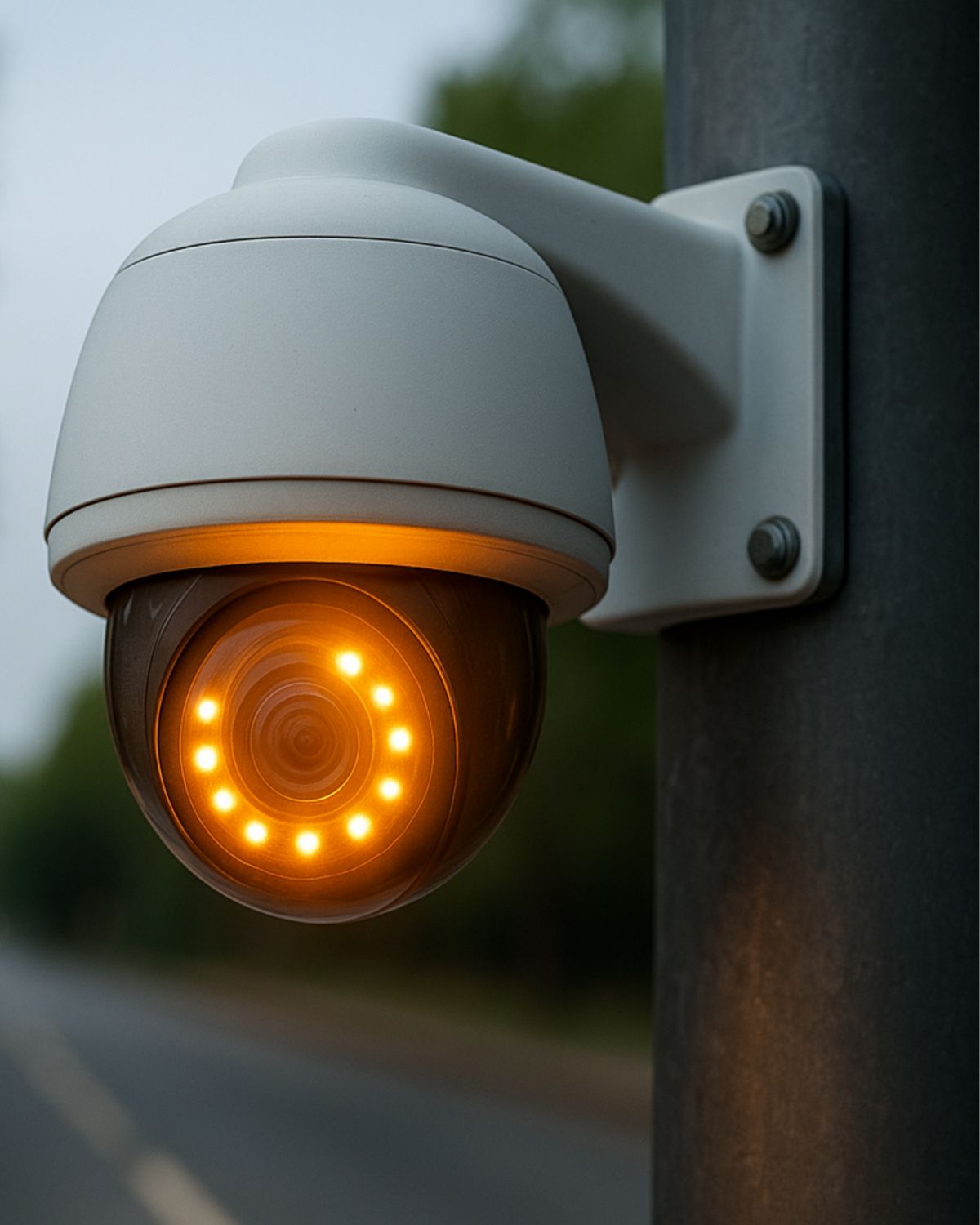
If you’ve ever looked up at a security camera and wondered whether it’s actually recording or just there for show, you’re not alone. Whether it’s in your home, your business, or on a public building in Toronto, being able to tell if a CCTV camera is on is important, especially when safety, liability, or property protection is on the line.
This guide walks you through the simple, visible signs and smart checks you can use to confirm if a CCTV or surveillance camera is working.
How Can You Tell If a CCTV Camera Is Actively Working?
Whether you’re a homeowner in Barrie or managing a large logistics warehouse in Toronto, having a CCTV system that looks secure isn’t enough – you need to know it’s actually working. At Sense Group, we provide expert commercial CCTV installation and maintenance across Toronto, and we often get asked: How can I tell if my security cameras are working right now?
Here’s how to find out — whether you’re using wired or wireless, indoor or outdoor, residential or business-grade surveillance systems.
1. Look for LED Status Lights
The easiest way to know if a CCTV camera is on is to check for a small red, green, or blue LED light near the lens. These lights usually indicate that the camera is powered and operating.
- A red light may suggest it’s recording
- A green or blue light often shows network connection
Some professional or hidden cameras are designed to operate without visible lights for discreet monitoring. If you’re unsure about the system in place, we offer professional CCTV installation in Toronto and surrounding areas, including full setup inspections.
2. Check Infrared Night Vision in Low Light
Most modern CCTV cameras include infrared (IR) LEDs for night vision. While these lights aren’t visible during the day, you can often spot faint red rings around the lens at night.
How to check:
- Turn off the lights or observe the camera in low-light conditions
- Stand a few feet back and look for a soft red glow
If no glow is visible and your camera supports night vision, it might be off or disconnected. For reliable systems, explore our high-definition CCTV installations.
3. Use the Camera’s Mobile App or DVR/NVR System
If the camera is yours, the easiest check is through the system interface. Log in via the NVR, DVR, or mobile app to look for:
- Live video feed
- Saved footage or playback timeline
- Motion detection alerts or system notifications
If you can’t access the feed or see error messages, your camera may be offline or disconnected. This is often related to a poor network setup. We provide home networking services and network cabling solutions to ensure smooth operation.
4. Look for Movement in Pan-Tilt-Zoom (PTZ) Cameras
If your system includes a PTZ camera, the lens may rotate, tilt, or zoom when motion is detected or during scheduled sweeps. Movement like this is a clear sign the camera is active and powered.
These smart features are common in advanced security setups used in both commercial and large residential properties.
5. Listen for Clicking Sounds from IR Filter
Many CCTV cameras make a faint clicking noise when switching between daytime and nighttime recording. This is caused by the IR cut filter adjusting to light levels.
Hearing this sound means the camera is on and its infrared night vision is working as expected.
6. Test with Motion or Walk Through the Area
A quick real-world test is to walk in front of the camera and check for a response:
- Look for lens movement or blinking lights
- Check the app or playback to see if motion was recorded
- Review push notifications, if motion alerts are enabled
We help clients across Toronto, Barrie, Milton, Caledon, and Kitchener configure smart alert systems that notify you instantly when your camera detects motion.
7. Can You Spot a Dummy Camera?
Dummy or fake cameras are common, but easy to identify if you know what to look for:
- No visible wiring
- Constant flashing red light (most real cameras don’t do this)
- No lens movement or IR glow
- Cheap plastic body or unrealistic design
If you’re unsure, our team at Sense Group can inspect your setup and recommend real, fully functioning security systems. Learn more in our guide to choosing the best security camera installation company.
8. No Light, No Signal, No Movement?
If none of the above signs are present, it likely means the camera is:
- Not receiving power
- Disconnected from the system
- Malfunctioning or broken
- Outdated and not compatible with current tech
We offer system diagnostics, smart home integrations, and security camera upgrades across Ontario, backed by 3-year warranties.
When Should You Call Sense Group for CCTV Support?
Sometimes a quick check is enough to confirm if your camera is on, but there are situations where calling a professional installer is the smarter choice. Here’s when you should contact Sense Group:
- No live feed available through your app, DVR, or NVR
- Infrared night vision doesn’t activate, even in complete darkness
- Frequent disconnections or blank recordings on your system
- Cameras show no signs of power despite being plugged in
- You suspect dummy cameras were installed and want a reliable system
- Outdated equipment that no longer supports mobile apps or remote monitoring
- Expanding coverage for your home, office, or commercial property
Our team specializes in security camera installation in Toronto and across Ontario, including Barrie, Milton, Kitchener, and Caledon. We provide system inspections, upgrades, and full installations with a 3-year warranty and professional support.
If your cameras aren’t giving you the peace of mind you need, book a free consultation with Sense Group.