A commercial camera installation typically costs $150 to $600 per camera, depending on system type, building structure, cabling requirements, and labor complexity. Pricing is shaped more by installation conditions and network setup than by the camera itself.
In real commercial environments, costs vary because each site has different security needs, layouts, and infrastructure readiness. Offices, retail stores, warehouses, and industrial spaces all require different planning approaches.
Many businesses misjudge total cost by focusing only on equipment instead of installation work, cabling, and system configuration. This guide breaks down those real cost factors so you can plan accurately and avoid overpaying.
What Is the Average Commercial Camera Installation Cost Per Camera?
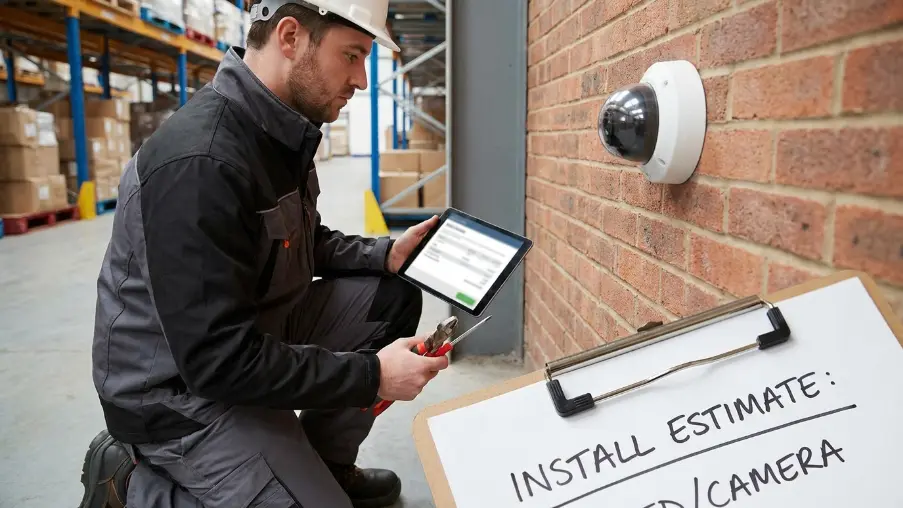
The average commercial security camera installation cost per camera ranges from $150 to $600. Pricing depends on the camera type, installation complexity, building layout, and existing network infrastructure.
Simple layouts with short cable runs usually cost less because installation takes less time and requires fewer materials. However, larger commercial properties often need structured cabling, network configuration, and wider surveillance coverage across entrances, storage areas, and outdoor spaces.
Commercial Security Camera Installation Cost by Business Type
Many businesses choose commercial CCTV installation services for a properly planned system that supports reliable performance and future expansion.
| Business Type | Average Installation Cost Per Camera |
| Small office | $150 – $300 |
| Retail store | $200 – $450 |
| Restaurant | $200 – $400 |
| Warehouse | $250 – $600 |
| Industrial facility | $300 – $650 |
| Parking lot & outdoor surveillance | $250 – $700 |
Small Office
Small office camera installation usually costs $150 to $300 per camera. If your office has open workspaces and short cable runs, installation stays straightforward. However, monitoring entrances, reception areas, meeting rooms, and restricted offices often requires a strategic camera layout that eliminates blind spots without increasing unnecessary equipment costs.
Retail Store
Retail stores typically spend $200 to $450 per camera. Besides deterring theft, cameras help monitor checkout counters, sales floors, fitting rooms, stockrooms, and customer entrances. As your retail space expands, wider surveillance coverage and careful camera positioning naturally increase installation time and labor costs.
Restaurant
Restaurant camera installation generally ranges from $200 to $400 per camera. Dining areas, kitchens, cash registers, food storage rooms, and delivery entrances all need different viewing angles.
Warehouse
Warehouse installations usually cost $250 to $600 per camera. High ceilings, long storage aisles, loading docks, and constant forklift traffic demand wider camera coverage and longer cable routes. As a result, many businesses also upgrade their commercial network cabling infrastructure to maintain stable video transmission across large facilities
Read More: Axis vs UNV: Premium vs Value Security Cameras for GTA Businesses (2026 Guide)
What Affects the Cost of Installing Commercial Security Cameras?
Type of Security Camera
The camera model can change installation costs by $50 to $250 per camera. Fixed dome cameras install quickly, while PTZ, panoramic, thermal, and AI-powered cameras need additional programming, calibration, viewing-angle adjustments, and network integration. Consequently, installers spend more time configuring the system before it becomes fully operational.
Wired vs. Wireless Installation
Wired installations generally cost $50 to $150 more per camera because technicians route, terminate, label, and test every cable. However, most established businesses prefer wired systems because they provide more reliable video transmission, better cybersecurity, and easier long-term expansion than wireless alternatives.
Building Size and Layout
Larger or irregularly shaped buildings naturally increase installation costs. Multiple floors, long corridors, warehouses, and separate office suites require additional cable routing and camera planning. As a result, labor hours increase even when you’re installing the same camera model throughout the property.
Cable Run Distance
Long cable runs can increase installation costs by $25 to $150 per camera, depending on distance and building conditions. Businesses with loading docks, detached buildings, outdoor storage, or remote parking areas often need conduit, trenching, or fiber cabling, adding both labor and material costs.
Ceiling Height and Mounting Location
High ceilings, concrete walls, exposed steel, and difficult mounting locations usually increase labor costs by 10% to 25%. Installers need lifts, specialized mounting hardware, and extra time to secure cameras, optimize viewing angles, and eliminate blind spots safely.
Indoor vs. Outdoor Cameras
Outdoor cameras typically add $50 to $150 per camera because they require weather-rated housings, waterproof connectors, UV-resistant cabling, and durable mounting hardware. Businesses also invest in better night vision and wider perimeter coverage to protect parking lots, entrances, and loading areas.
Existing Network and Electrical Infrastructure
Many businesses still operate from older commercial buildings where existing cabling or network equipment cannot support modern IP surveillance. Infrastructure upgrades often add $500 to $5,000+ to a project, depending on its size. Therefore, many companies include structured commercial network cabling services during installation to avoid future disruption and support business growth.
Number of Cameras Installed
Installing more cameras usually lowers the average installation cost per camera. Once technicians are on-site, travel, equipment setup, and system configuration are shared across the project. Consequently, larger installations often deliver better overall value than completing several smaller upgrades.
After-Hours or Weekend Installation
Businesses that cannot interrupt daily operations often schedule evening or weekend installations. While this minimizes downtime for employees and customers, overtime labor can increase installation costs by 10% to 30%, depending on scheduling requirements and project size.
Local Labor Rates
Commercial labor rates vary based on technician certifications, building complexity, and local code requirements. Projects involving lifts, advanced networking, or integrated security systems generally cost more because they require specialized expertise, additional equipment, and longer installation times.
Read More: Wide-Angle vs More Cameras: Which Is Better?
What’s Included in a Professional Commercial Camera Installation?
A professional installation covers planning, setup, testing, and support, ensuring your surveillance system operates reliably from day one and continues protecting your business for years.
Site Assessment
A site assessment identifies security risks, camera locations, cable routes, and infrastructure needs before work begins. Most larger commercial projects include this service, while standalone assessments typically cost $150-$500.
Camera Mounting
Professional mounting ensures the correct viewing angle, coverage, and image quality. High ceilings or difficult mounting locations increase labor. Expect $50-$150 per camera, depending on site conditions.
Cable Routing and Management
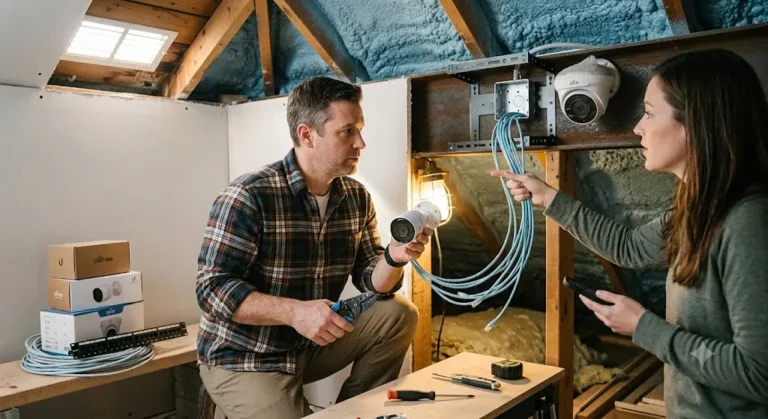
Proper cable routing protects reliability and simplifies future maintenance. Longer runs, conduit, or concealed wiring increase installation costs. Many businesses also upgrade with structured commercial network cabling during the project.
NVR/DVR Installation
Installers configure the NVR or DVR, recording schedules, storage settings, and camera connections. A professional setup typically costs $150-$500, excluding the recording equipment.
Network Configuration
Network configuration connects every IP camera securely and optimizes bandwidth, PoE switches, and remote access. Businesses typically spend $150-$400, depending on network complexity.
Mobile App and Remote Viewing Setup
Installers securely connect mobile devices, user accounts, and remote viewing. Basic setup is usually included, while advanced configuration may add $50-$150.
Camera Testing and Optimization
Every camera is tested for image quality, recording, motion detection, night vision, and coverage. This service typically adds $25-$75 per camera, although many installers include it.
Warranty and Post-Installation Support
Most commercial installers include workmanship warranties and initial support. Businesses planning future growth often combine surveillance with commercial access control systems for easier expansion and long-term security management.
Read More: Verkada vs. Traditional NVR Systems: Which Security Solution Is Better?
DIY vs Professional Commercial Camera Installation
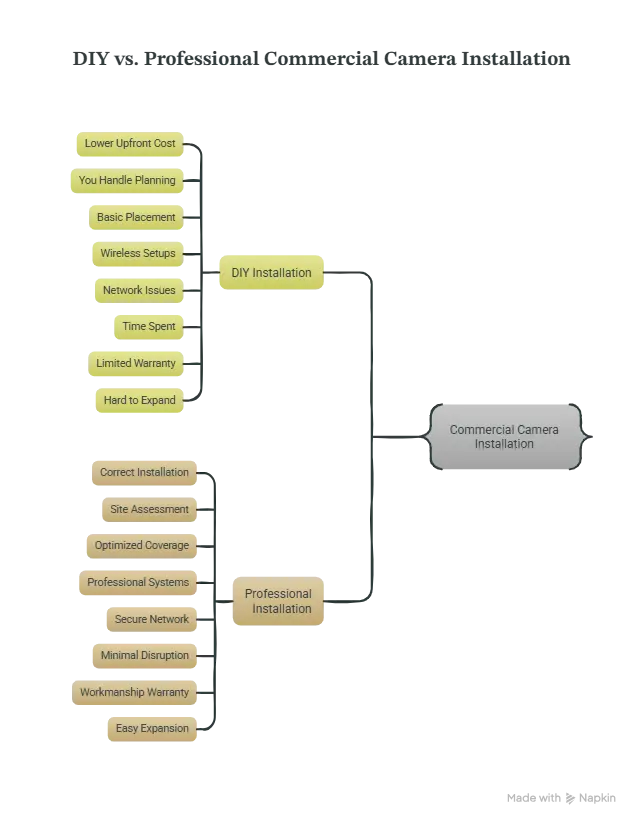
Professional commercial camera installation is the better choice for most businesses. Although DIY installation may save $150-$600 per camera upfront, mistakes in camera placement, network setup, or cabling often lead to higher repair costs, poor surveillance coverage, and system downtime later.
Commercial security systems protect employees, customers, inventory, and business operations. Therefore, installation quality matters just as much as the equipment itself.
Many businesses across Toronto, the GTA, Hamilton, and Kitchener-Waterloo also need installations that meet insurance requirements, building regulations, and future expansion plans.
| DIY Installation | Professional Installation |
| Lower upfront cost | Correct installation from the start |
| You handle planning and setup | Complete site assessment and system design |
| Basic camera placement | Optimized coverage with fewer blind spots |
| Wireless setups are easier | Wired and wireless systems installed professionally |
| Higher risk of network or recording issues | Secure network configuration and reliable recording |
| Time spent learning and troubleshooting | Faster installation with minimal business disruption |
| Limited or no workmanship warranty | Workmanship warranty and ongoing support |
| Harder to expand later | Easy to scale as your business grows |
How to Reduce Commercial Camera Installation Costs
You can reduce commercial camera installation costs without sacrificing security by planning the project carefully and investing where it matters most.
- Install all cameras during one project. Bundling the installation reduces travel, setup, and labor costs, lowering the average cost per camera.
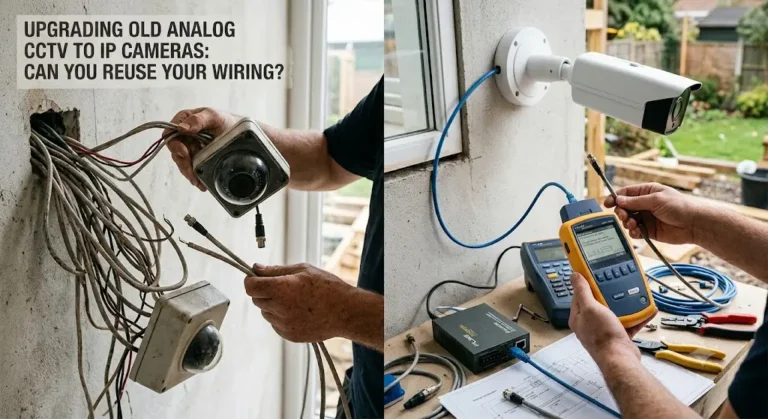
- Reuse existing infrastructure when possible. Businesses with usable network cabling, conduit, or PoE equipment can often avoid unnecessary installation expenses.
- Choose the right cameras for each area. Not every location needs a premium PTZ or AI camera. Matching camera features to actual security risks helps control your budget.
- Schedule installation during regular business hours. If your operations allow it, avoiding evenings or weekends can reduce overtime labor charges by 10%-30%.
- Plan for future expansion now. Many businesses across Toronto and the GTA install additional cabling during the first project. This small upfront investment can prevent costly retrofits when adding cameras later.
- Bundle related security upgrades. Combining surveillance with structured commercial network cabling or commercial access control systems often reduces overall project costs compared to completing separate installations.
- Request a professional site assessment. Accurate planning helps identify cable routes, equipment needs, and installation challenges before work begins, reducing unexpected change orders and budget overruns.
- Compare quotes based on value, not just price. The cheapest estimate may exclude network setup, testing, warranties, or post-installation support. A detailed proposal usually delivers better long-term value and fewer unexpected costs.
Conclusion
The commercial camera installation cost per camera depends on your property, security goals, building conditions, and installation requirements. While most businesses spend $150 to $600 per camera for installation, investing in professional planning often reduces long-term costs and improves system reliability.
If you’re planning a new installation or upgrading an existing surveillance system across Toronto, the GTA, Hamilton, Kitchener, Guelph, Barrie, or nearby areas, the team at Sense Group can design a solution tailored to your business.
Request a professional site assessment and receive a transparent quote based on your property’s actual requirements.
Frequently Asked Questions
How much does it cost to install 16 commercial security cameras?
Most 16-camera commercial installations cost $2,400 to $9,600 for labor alone, depending on cable distance, camera type, mounting conditions, and network requirements. Equipment, recording devices, and optional infrastructure upgrades are usually priced separately.
Can I use my existing network for IP security cameras?
Yes, if your current network has enough bandwidth and PoE capacity. However, many older commercial buildings require upgrades before supporting modern surveillance systems. A professional assessment can confirm whether your existing infrastructure is suitable.
Do commercial security cameras increase insurance discounts?
Many insurers view professionally installed surveillance systems as a positive risk-reduction measure, especially for retail stores, warehouses, and industrial facilities. However, discounts vary by insurer, policy, and the overall security measures installed.
How long does a commercial camera installation take?
Most small commercial projects finish within one to three days. Larger warehouses, industrial facilities, or multi-building properties may require several days, depending on cable routing, infrastructure upgrades, and system complexity.
Should I choose cloud or local video storage?
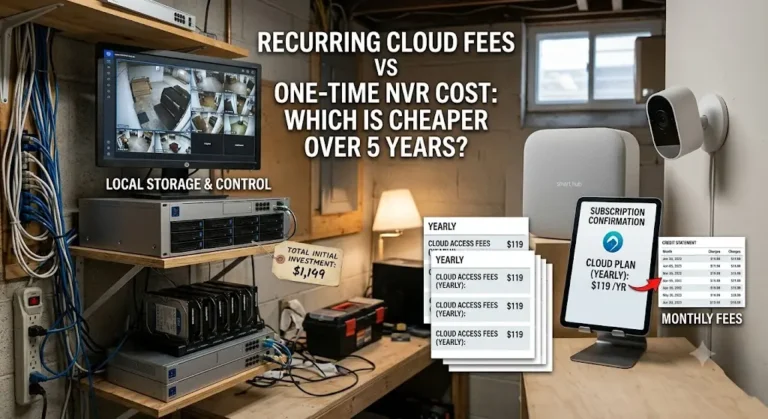
Local NVR storage offers predictable costs and full control over recordings, making it popular for many businesses. Cloud storage provides easier remote access and off-site backup but usually requires an ongoing subscription fee.