

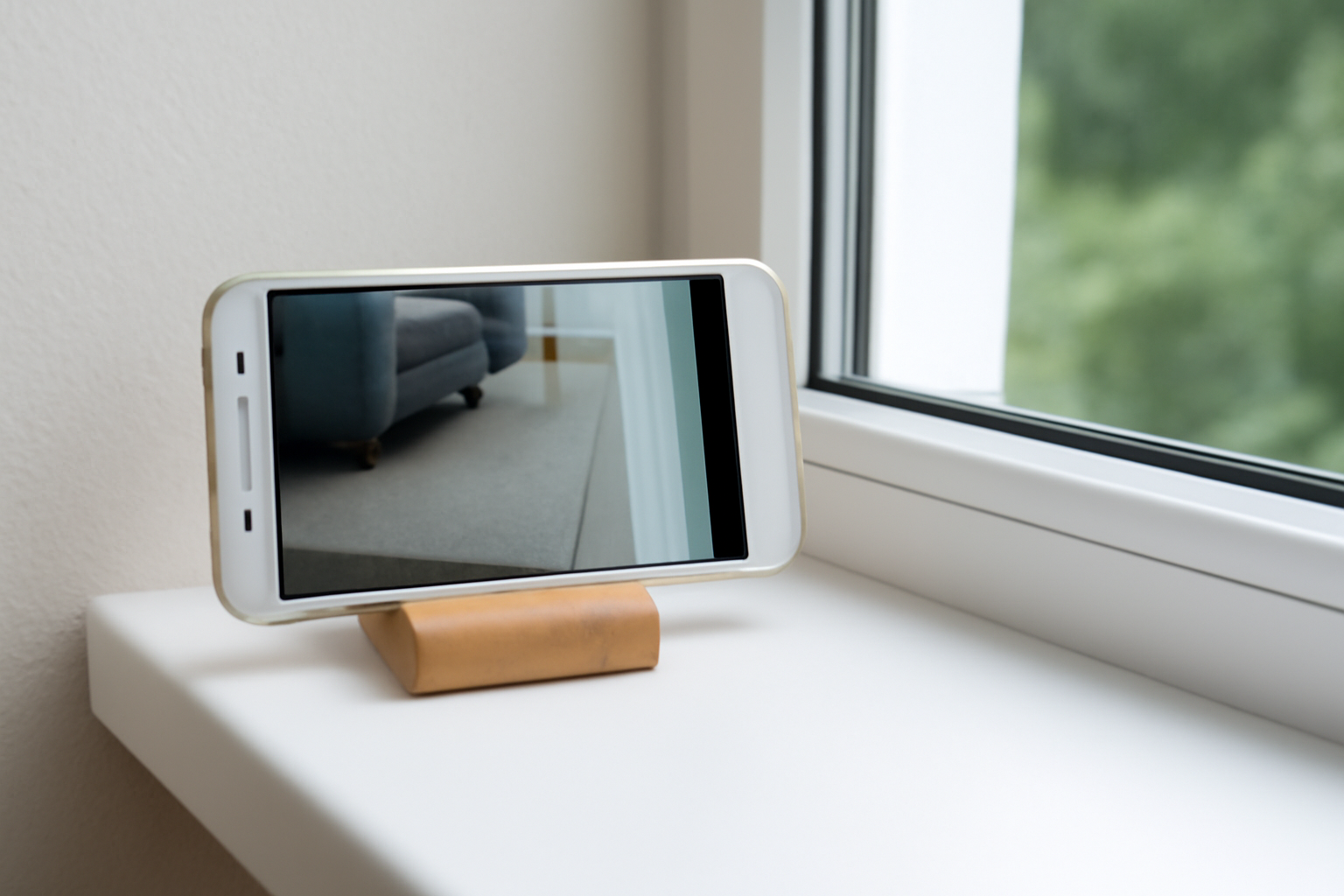
Repurposing an old phone as a CCTV camera is an excellent way to enhance home or business security without investing in expensive equipment. Whether you’re looking for a cost-effective surveillance solution for monitoring your front door, driveway, or office, using an old smartphone can provide great value. This FAQ guide will take you through the process of how to use an old phone camera as CCTV while ensuring you get the most out of your setup.
Why Repurpose an Old Phone as a CCTV Camera?
Repurposing old phones as CCTV cameras is a smart and eco-friendly solution. Here are the key reasons why you should consider this approach:
- Cost-Effective: Instead of buying a new security camera system, you can utilize your old smartphones as CCTV cameras. This is especially beneficial for homeowners or small businesses in Ontario looking to save money on security.
- Sustainability: Using an old phone extends its life and reduces electronic waste, contributing to a more eco-friendly environment.
- Easy Setup: Setting up your phone as a CCTV camera can be done quickly with the right apps and a Wi-Fi connection, making it a hassle-free security solution.
What Do You Need to Turn Your Old Phone Into a CCTV Camera?
To use an old phone as a CCTV camera, you’ll need the following:
- An old smartphone: Any smartphone with a functional camera and Wi-Fi capability will work.
- A Wi-Fi connection: To stream the camera feed to your device, a stable internet connection is essential.
- A power source: Ensure the phone is always plugged into a charger or a power bank to avoid draining its battery during surveillance.
- A CCTV app: Install a reliable CCTV surveillance app like AlfredCamera, AtHome Camera, or IP Webcam to transform the phone into a functional CCTV camera.
By repurposing your old smartphone, you can achieve an affordable security setup for your home or business in Toronto, Milton, Caledon, Kitchener, or Barrie.
Which Apps Can Help Turn My Old Phone Into a CCTV Camera?
Several apps can help you turn your old phone into a fully functional CCTV camera. Some popular options include:
- AlfredCamera: One of the most popular CCTV apps, AlfredCamera offers live streaming, motion detection, and two-way audio. It’s easy to set up and works well for both Android and iOS devices. Learn more about AlfredCamera.
- AtHome Camera: This app provides excellent features like motion detection, night vision, and remote monitoring. It works seamlessly with both Android and iOS devices.
- IP Webcam: Ideal for Android users, this app turns your old phone into an IP camera. It offers various streaming and recording options.
- Manything: A flexible app for iOS and Android devices, Manything allows live streaming and recording, ideal for surveillance.
These apps ensure you can monitor your property, whether it’s in Toronto, Kitchener, or Caledon, with minimal setup.
How Do I Set Up an Old Phone as CCTV?
Follow these steps to easily convert your old phone into a CCTV camera:
- Install the app: Download a CCTV app like AlfredCamera or AtHome Camera on your old phone (camera device) and the phone or tablet you will use to monitor the feed (viewer device).
- Connect the devices: Open the app on both phones and pair them by logging into the same account or scanning a QR code.
- Mount the phone: Secure your old phone in a position where it has a clear view of the area you want to monitor (e.g., front door, driveway, hallway). Consider using a smartphone mount or tripod for stability.
- Power the phone: Keep the old phone plugged in to ensure it doesn’t run out of battery while recording or streaming.
- Adjust settings: In the app, enable features like motion detection, notifications, and cloud storage if available. You can also customize recording settings and audio options based on your needs.
By following these steps, you’ll have a fully functional CCTV camera system without the need for additional security cameras or equipment.
Can I View the CCTV Feed Remotely?
Yes! One of the biggest advantages of using an old phone as a CCTV camera is the ability to view the feed remotely. After you’ve set up the app on both the old phone and your primary device, you can:
- Monitor the feed in real-time: View live footage from your phone or tablet, even when you’re away from home.
- Receive alerts: Set up motion detection, so you’ll receive notifications if the camera detects any movement in the area.
- Access recorded footage: Depending on the app, you can access stored footage through the app or cloud storage.
For businesses in Barrie or Toronto, this means you can keep an eye on your premises, whether you’re at home, at work, or on vacation.
Are There Any Limitations to Using an Old Phone as a CCTV Camera?
While repurposing an old phone is a great solution, there are a few limitations to keep in mind:
- Battery life: Continuous surveillance can drain the battery quickly, so always keep the phone plugged in to avoid interruptions.
- Storage limitations: Older phones may have limited storage, so storing video locally might not be ideal. Using cloud storage or a microSD card (if supported) is a great alternative.
- Camera quality: Older phones might not offer the same resolution or image quality as newer CCTV cameras. However, for basic monitoring needs, this can still be sufficient.
- App limitations: While some apps are free, others may require a premium version for advanced features such as cloud recording or higher resolution streams.
For homes in Milton or Kitchener, these limitations are manageable for basic surveillance, but professional-grade security solutions may be needed for larger or higher-risk properties.
How Can I Improve the Setup for Better Surveillance?
Here are a few tips to enhance your old phone’s CCTV setup:
- Camera angle: Place the phone in a location that maximizes the field of view. For example, pointing the camera toward entry points or high-traffic areas ensures better coverage.
- Lighting: Ensure the camera is in a well-lit area to improve visibility. If you need night surveillance, consider using an app with night vision capabilities or adding external infrared lights.
- Wi-Fi signal: Make sure the phone has a stable Wi-Fi connection to avoid lag or dropped signals. Consider using Wi-Fi extenders or mesh Wi-Fi systems for larger properties.
- Secure the phone: Use a mounting bracket or tripod to keep the phone in place and prevent accidental movement.
For better surveillance setups in Caledon or Kitchener, these adjustments can make a significant difference in capturing clear, uninterrupted footage.
When Should I Consider Professional CCTV Installation?
While using an old phone as a CCTV camera is an affordable option, you may need to upgrade to a professional CCTV system if:
- You need high-definition video or night vision capabilities for 24/7 monitoring.
- You require multiple cameras integrated into a central system for wider coverage.
- You want to include cloud storage, motion detection, or advanced remote monitoring features.
- Your setup needs to comply with local privacy laws and regulations for business surveillance.
For Toronto residents or businesses in the GTA, Sense Group offers CCTV camera installation services that provide high-quality, reliable surveillance systems with full integration and smart features.
Where Can I Get Professional Help with CCTV Installation?
If you’re looking for a more advanced or comprehensive surveillance system, Sense Group offers professional CCTV installation services across Ontario. Whether you want to upgrade your old phone setup or install a fully integrated security camera system, our team provides:
- Custom CCTV solutions tailored to your home or business.
- Professional installation of high-quality cameras, smart sensors, and monitoring systems.
- Cloud storage options for secure footage access.
📞 Contact us today to learn more about our services in Toronto, Barrie, Milton, Kitchener, Caledon, and beyond!